
Get to know the artists you love.
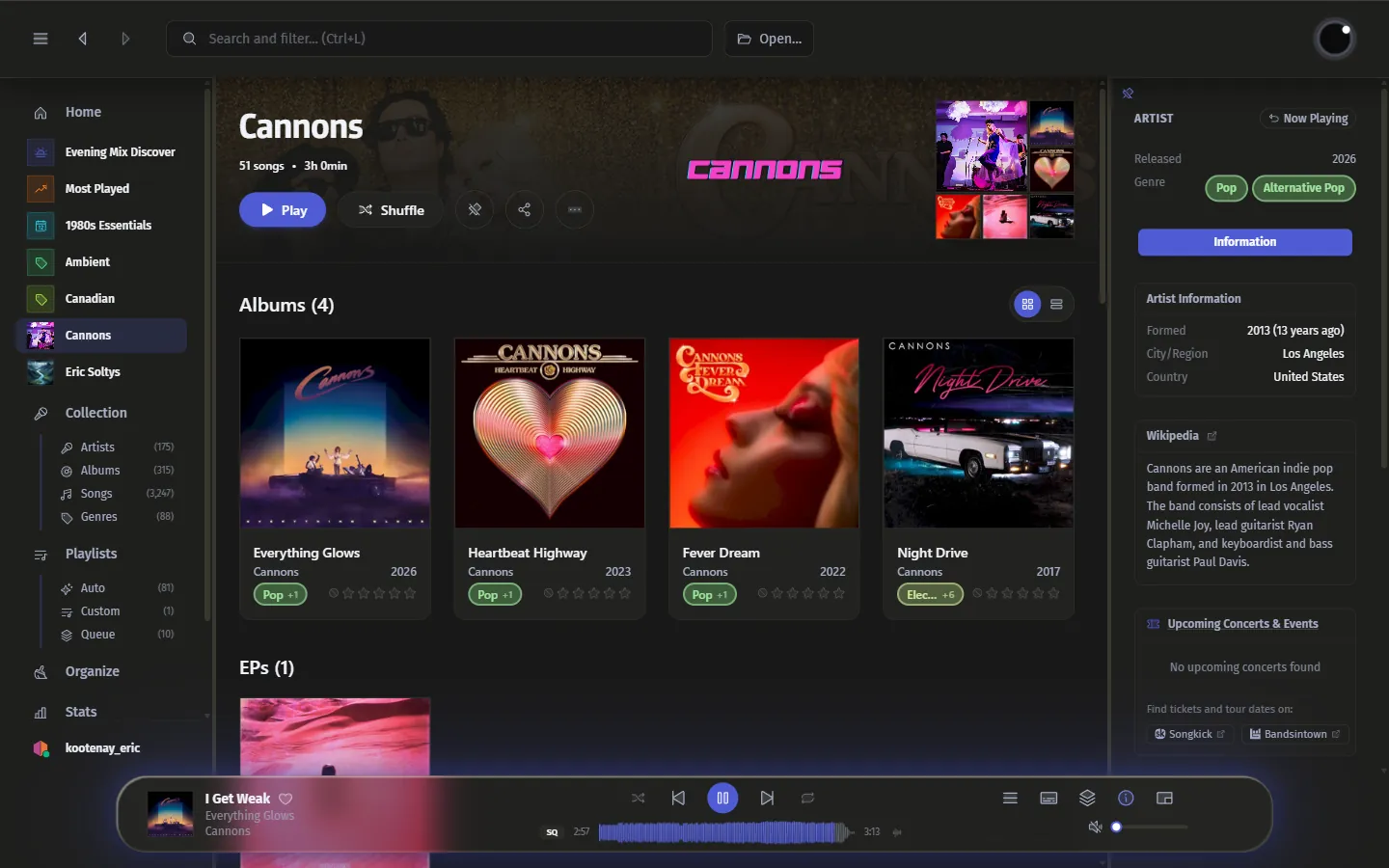
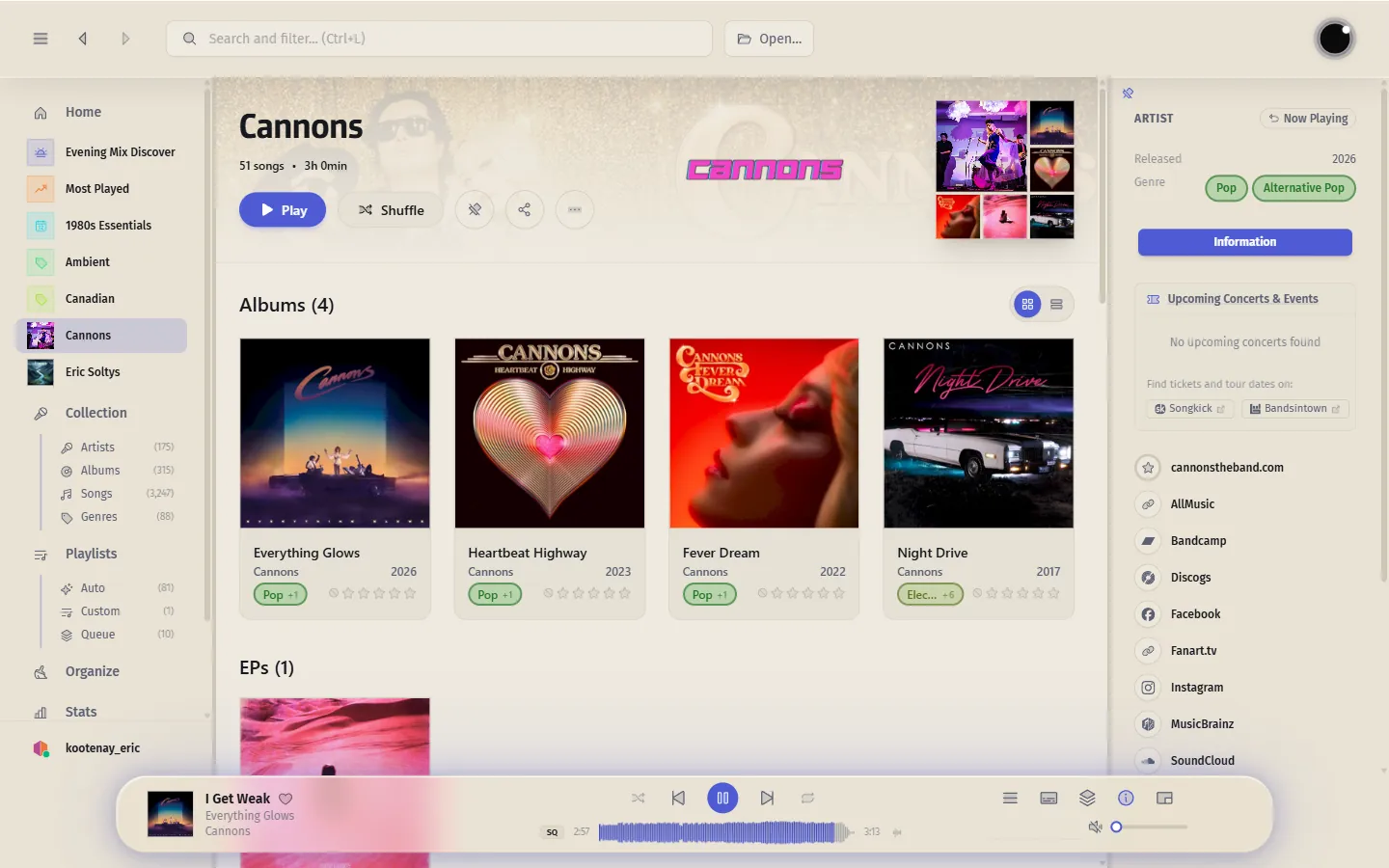
Open an artist and their story is already there: a bio, logos and artwork, and any shows coming up. Luminous gathers it all from MusicBrainz and fanart.tv, and the info sidebar is always one click away.
Version 3.2
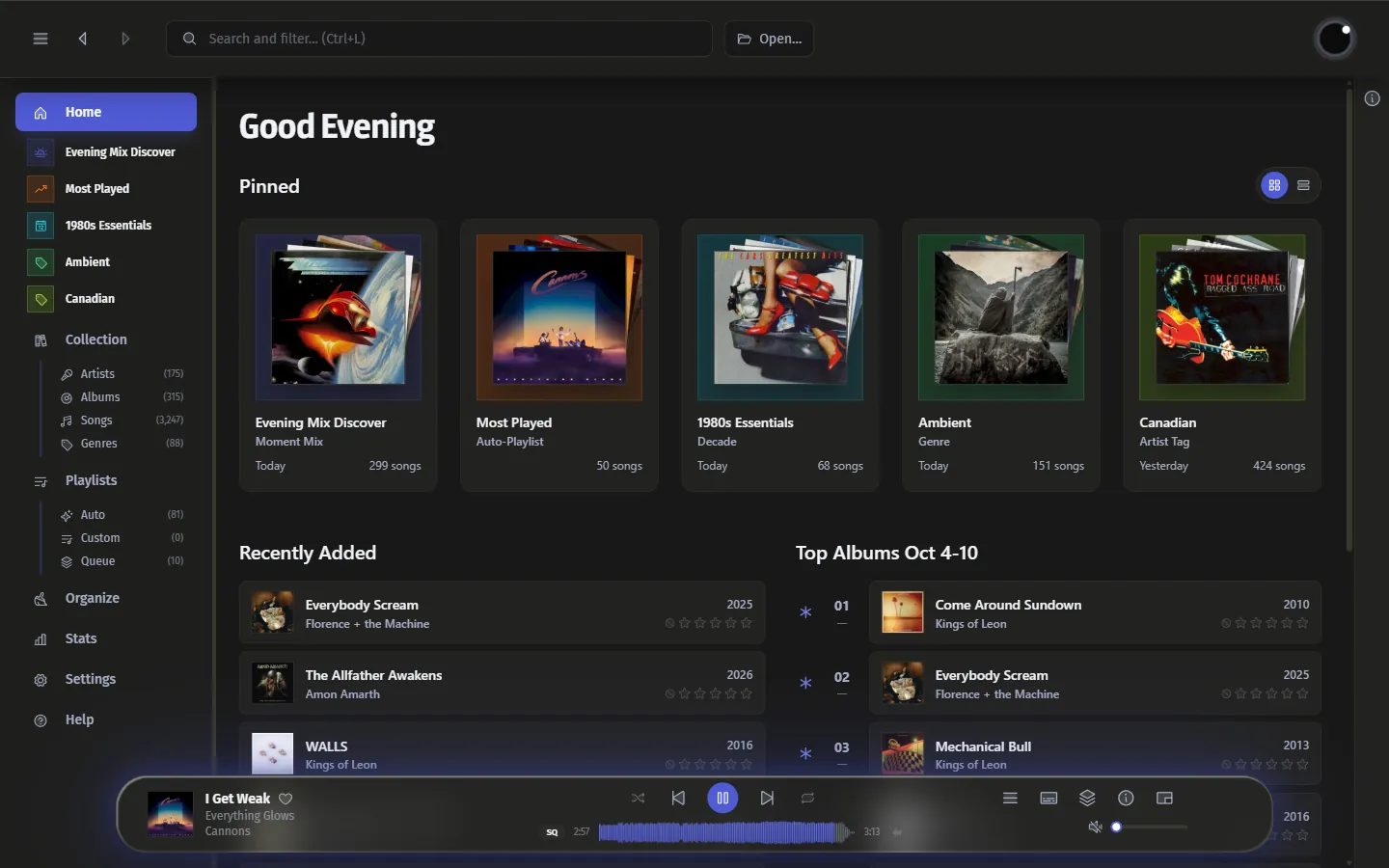
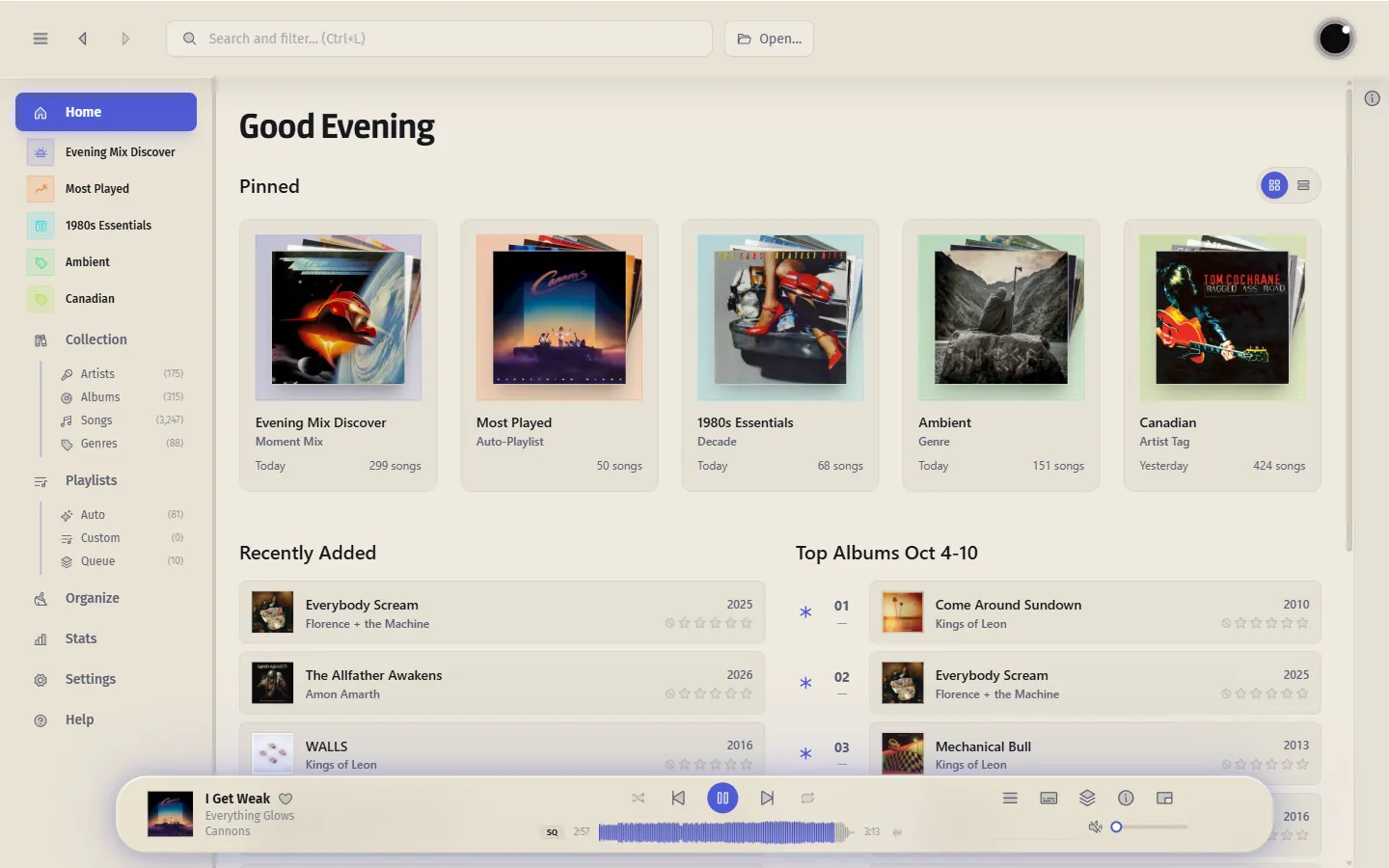
Built for anyone who wants the convenience of a modern streaming app without giving up ownership of their music.
Free and open source. Made in Canada 🍁 Available in seven languages.
Enjoyed by music lovers in more than 90 countries
Wow, absolutely amazing!!
By a lot far, this is an authentic music well developed app, exceeded my expectations, got everything, a professional appearance, great settings sections, music controls, song lyrics real time and more, truly happy with this great app, 5 stars well deserved and hugely recommended!! Great work dev guys!!
Amazingly Thoughtful
I've tried out so many music players for windows and none have satisfied my taste but this one seems to have been created so thoughtfully, consistent, and is practically everything I wanted. From dynamic themes to match your albums, to LRC file compatibilities, great equalizer, and so much more!
De lo mejorcito
esta wapo el diseño, tiene una variedad de funciones y señalar q es una chulada para los amantes del HiRes xD
gracias
No hay manera de explicar que BELLO reproductor :) Graciaaaaaas
Open an artist and their story is already there: a bio, logos and artwork, and any shows coming up. Luminous gathers it all from MusicBrainz and fanart.tv, and the info sidebar is always one click away.
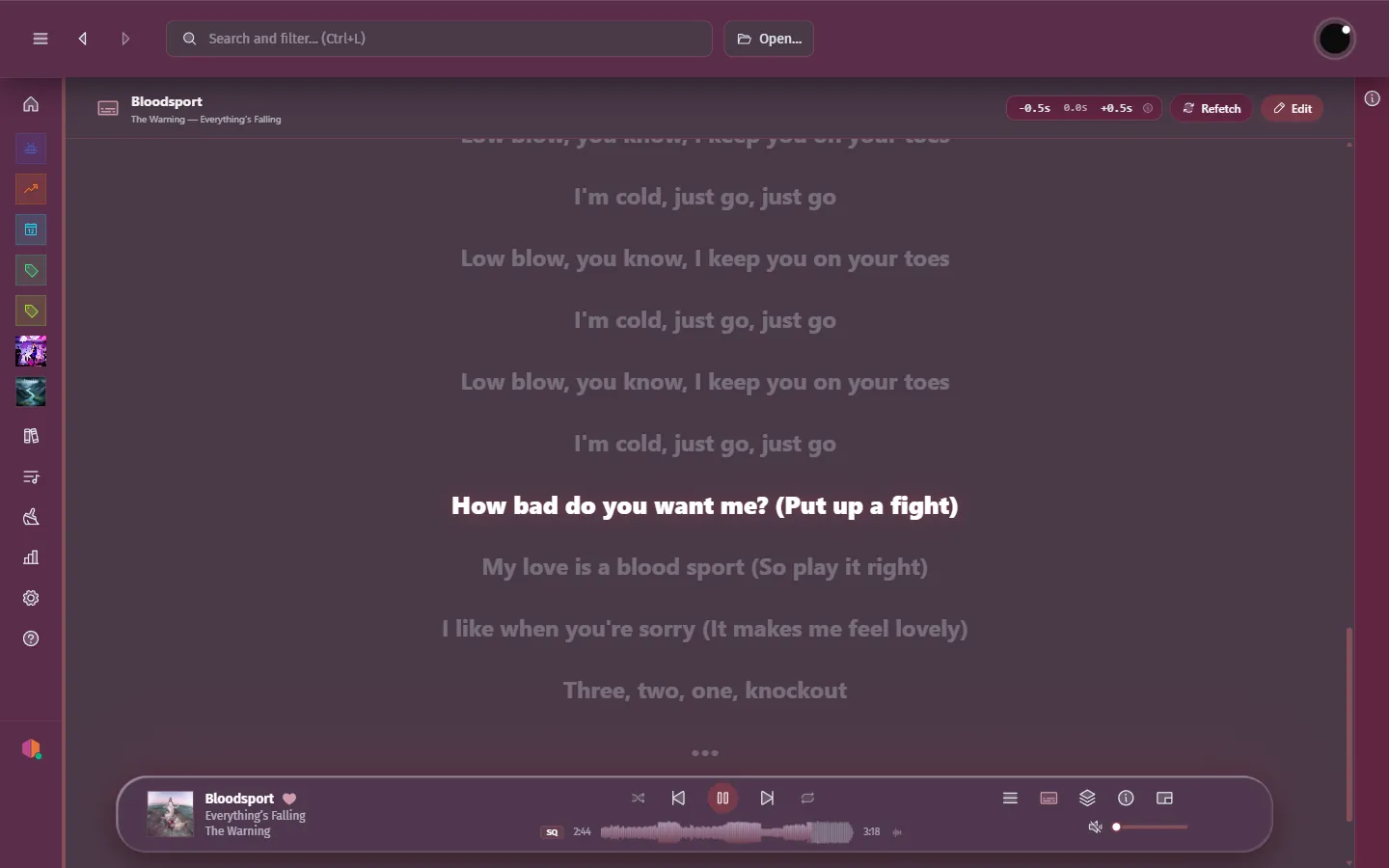
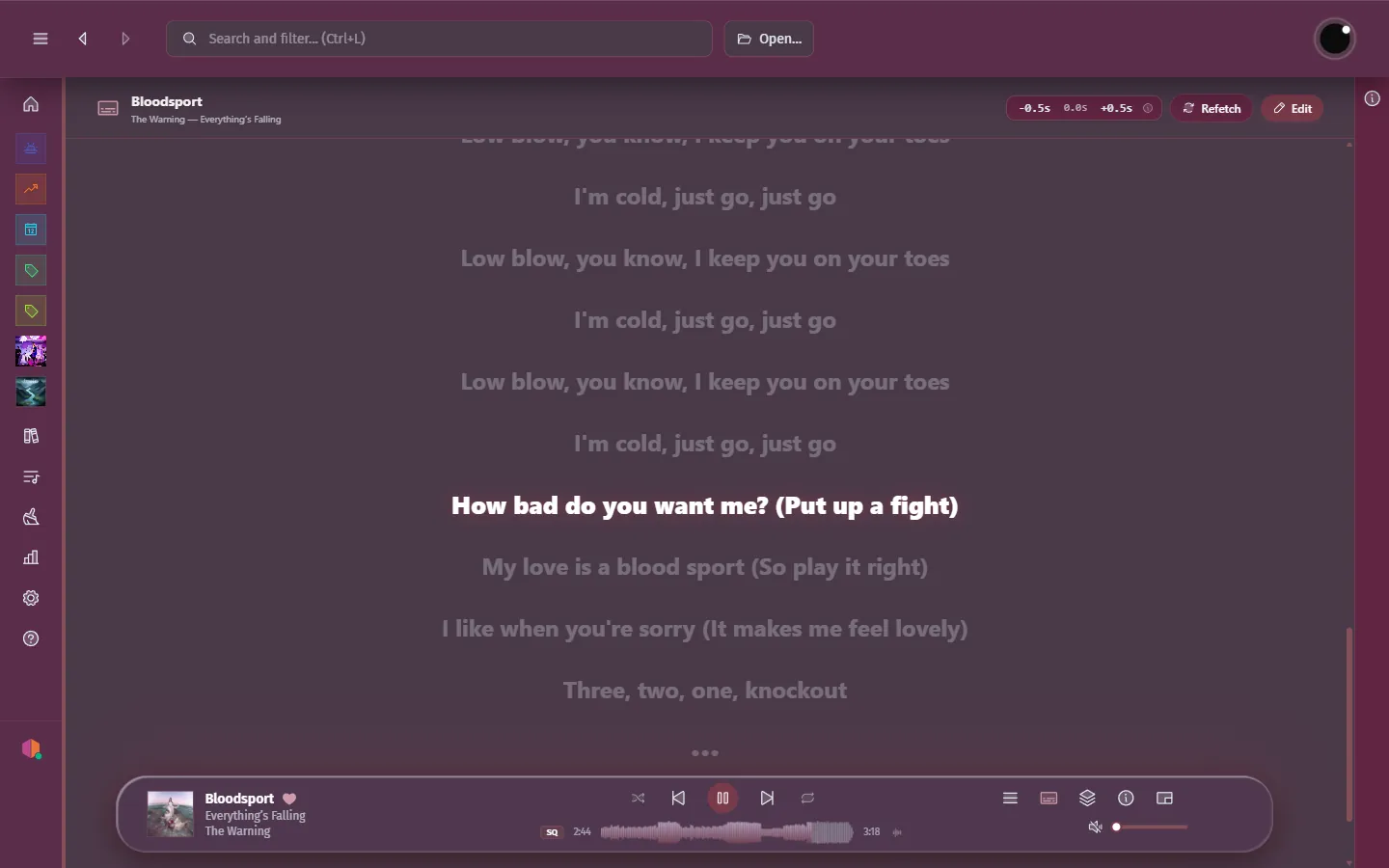
Lyrics follow the song as it plays. If the timing is a little off, nudge it right there. And if a song has no lyrics yet, you can add and sync your own.
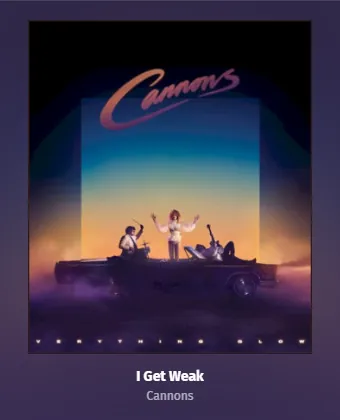
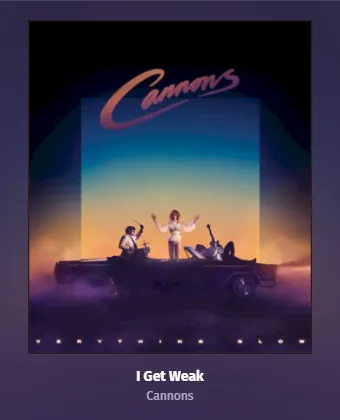
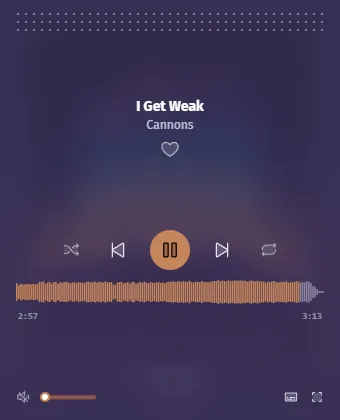
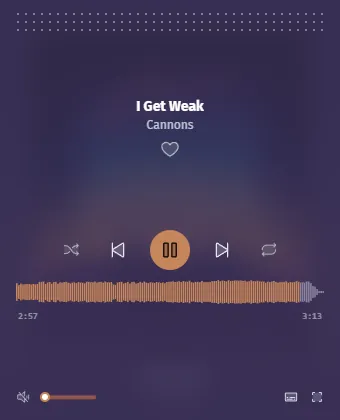
Tuck Luminous into a small miniplayer that floats above your other windows. Skip a track, glance at the lyrics, or pause, without opening the whole app.
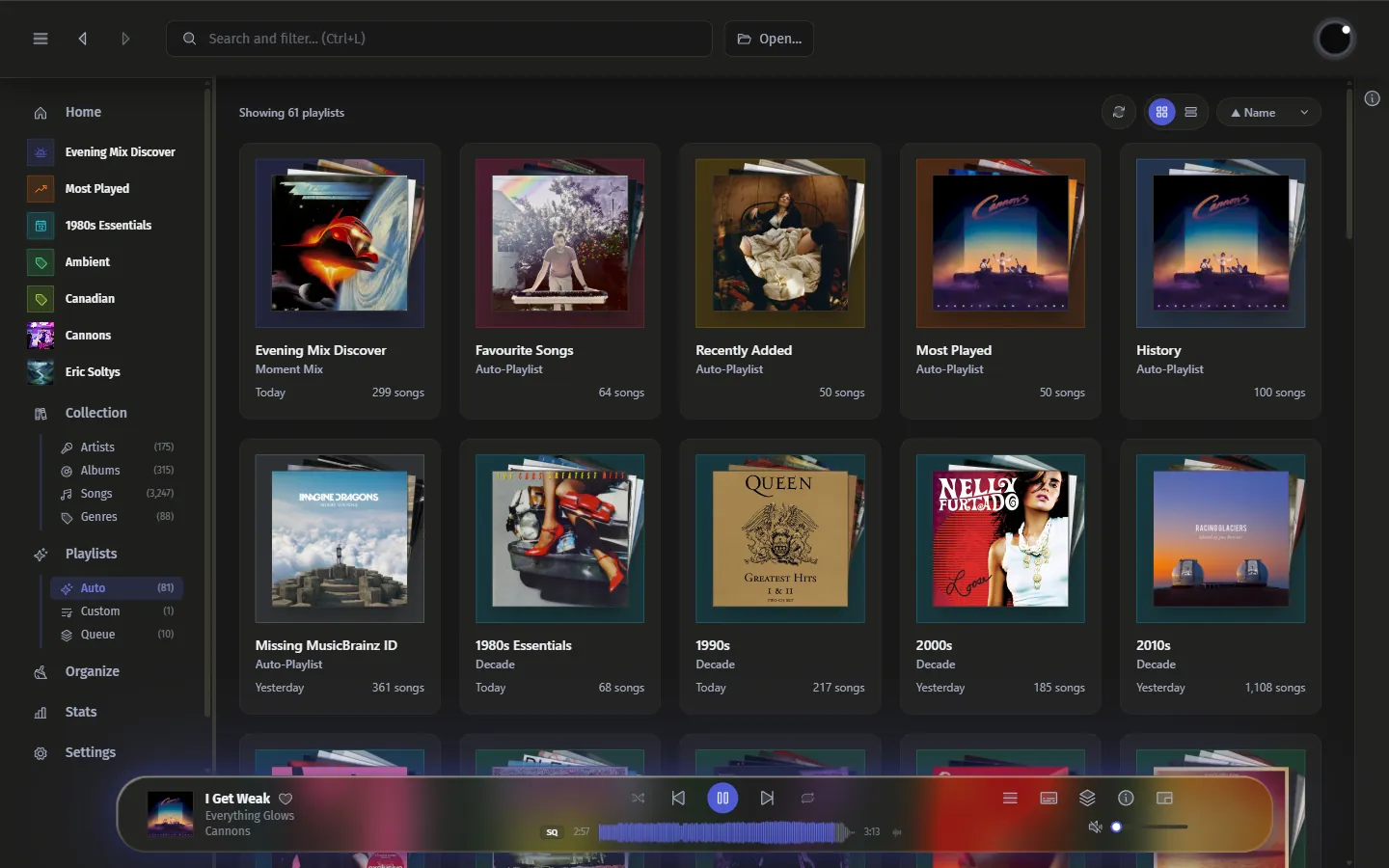
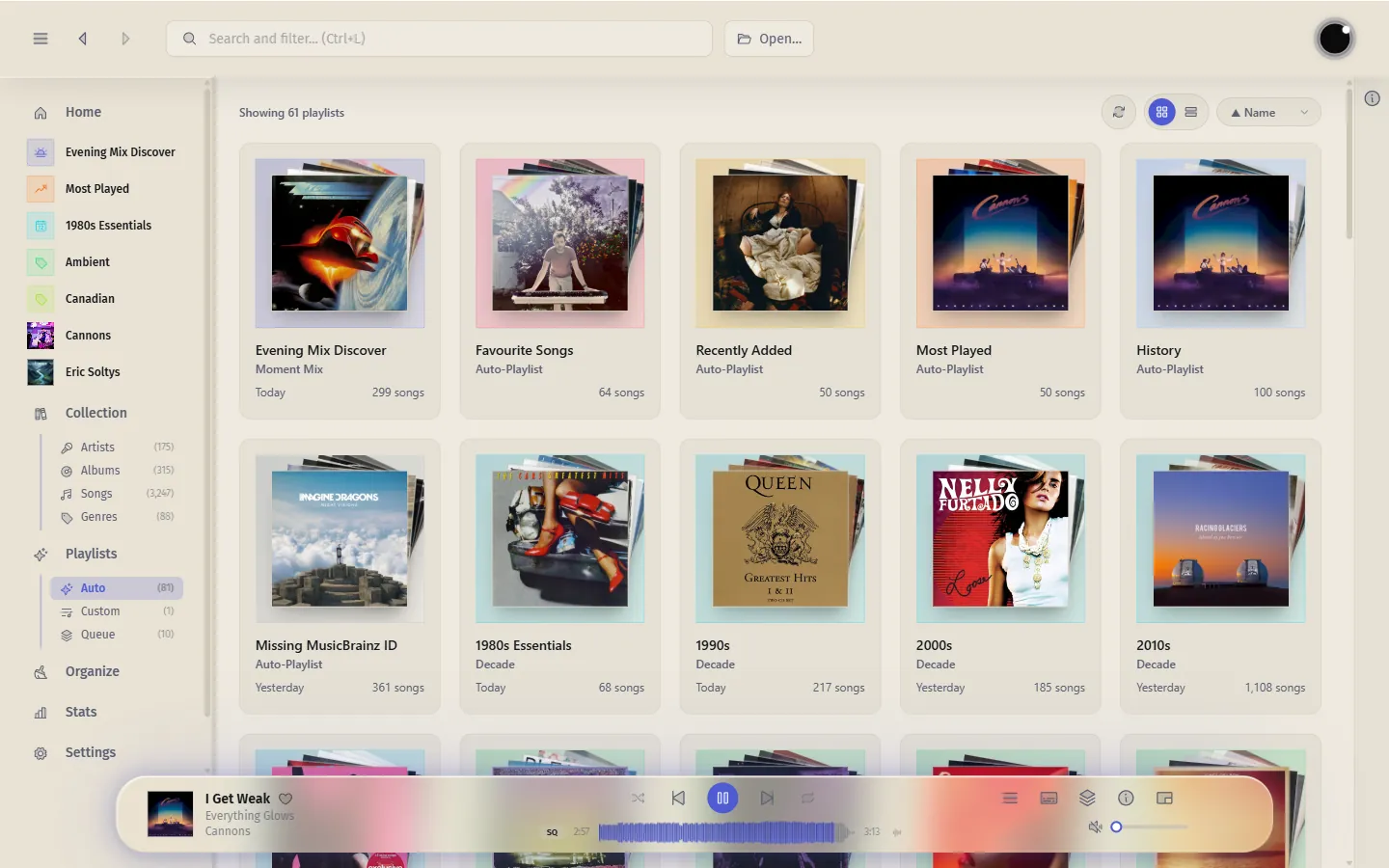
Make a smart playlist from rules you choose, or start with the ready-made ones for decades, genres, and tempo. They stay up to date as your collection grows.
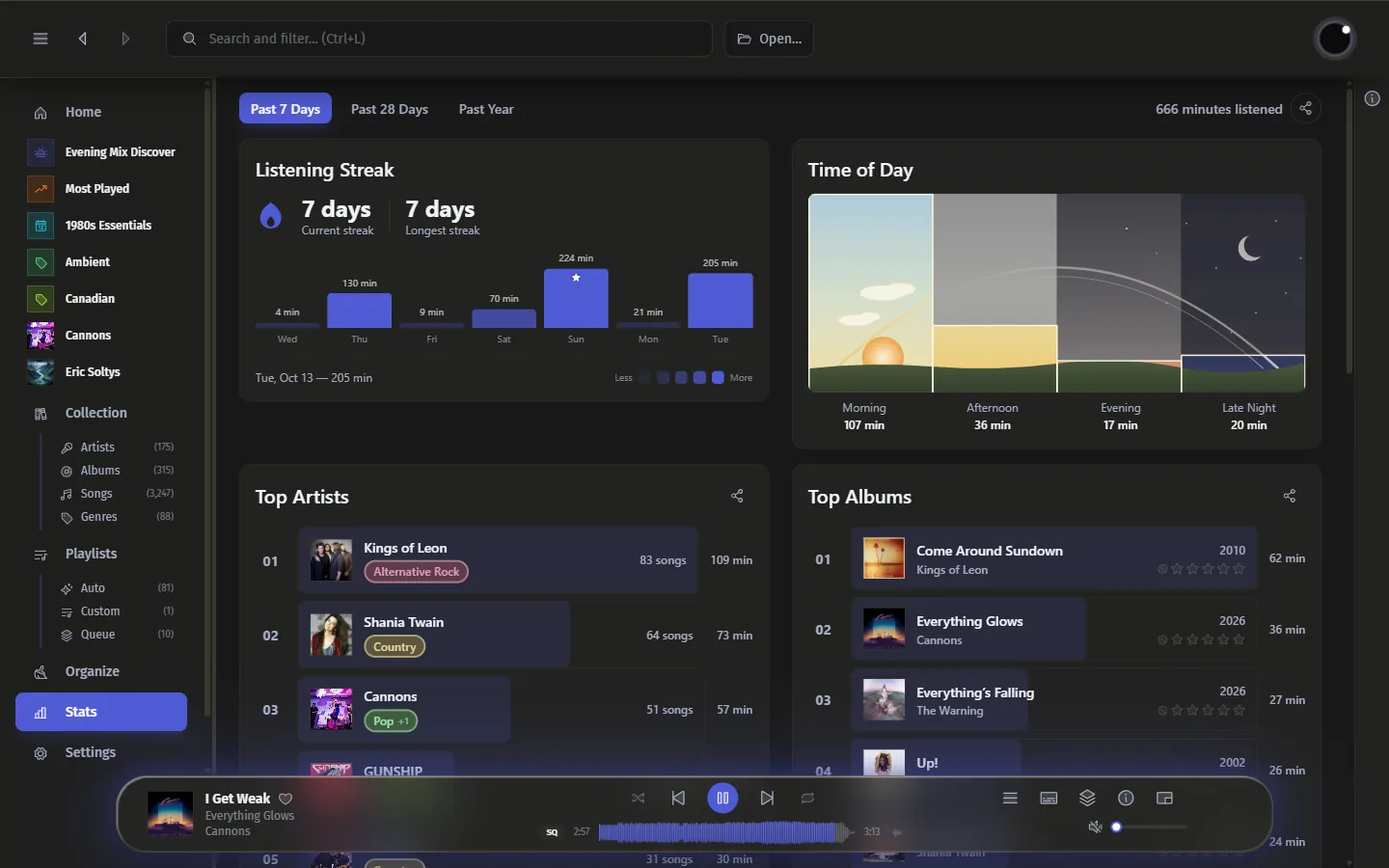
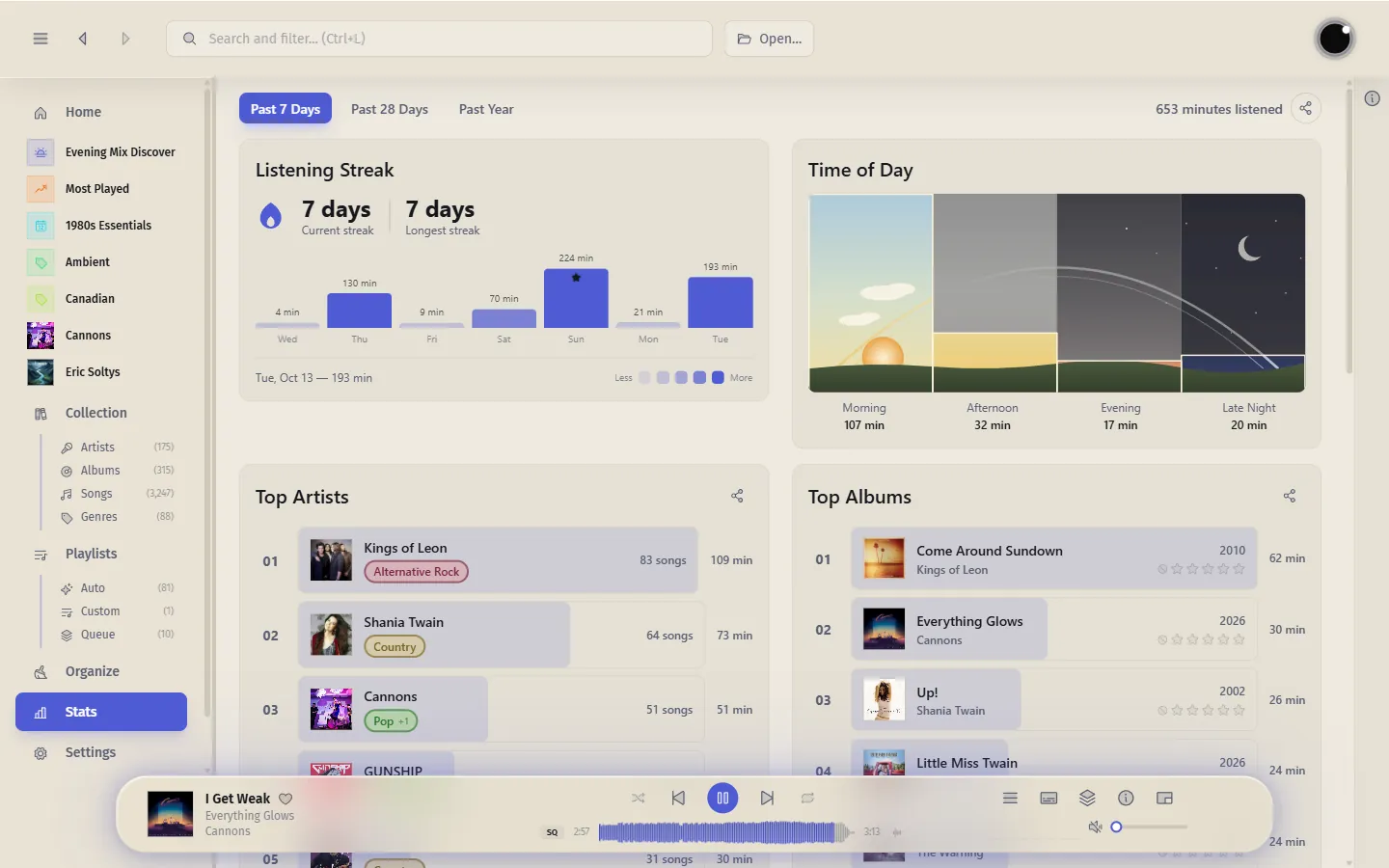
See your listening streak, find out what time of day you reach for music, and look back at your favourite artists and albums from the past week, month, or year.
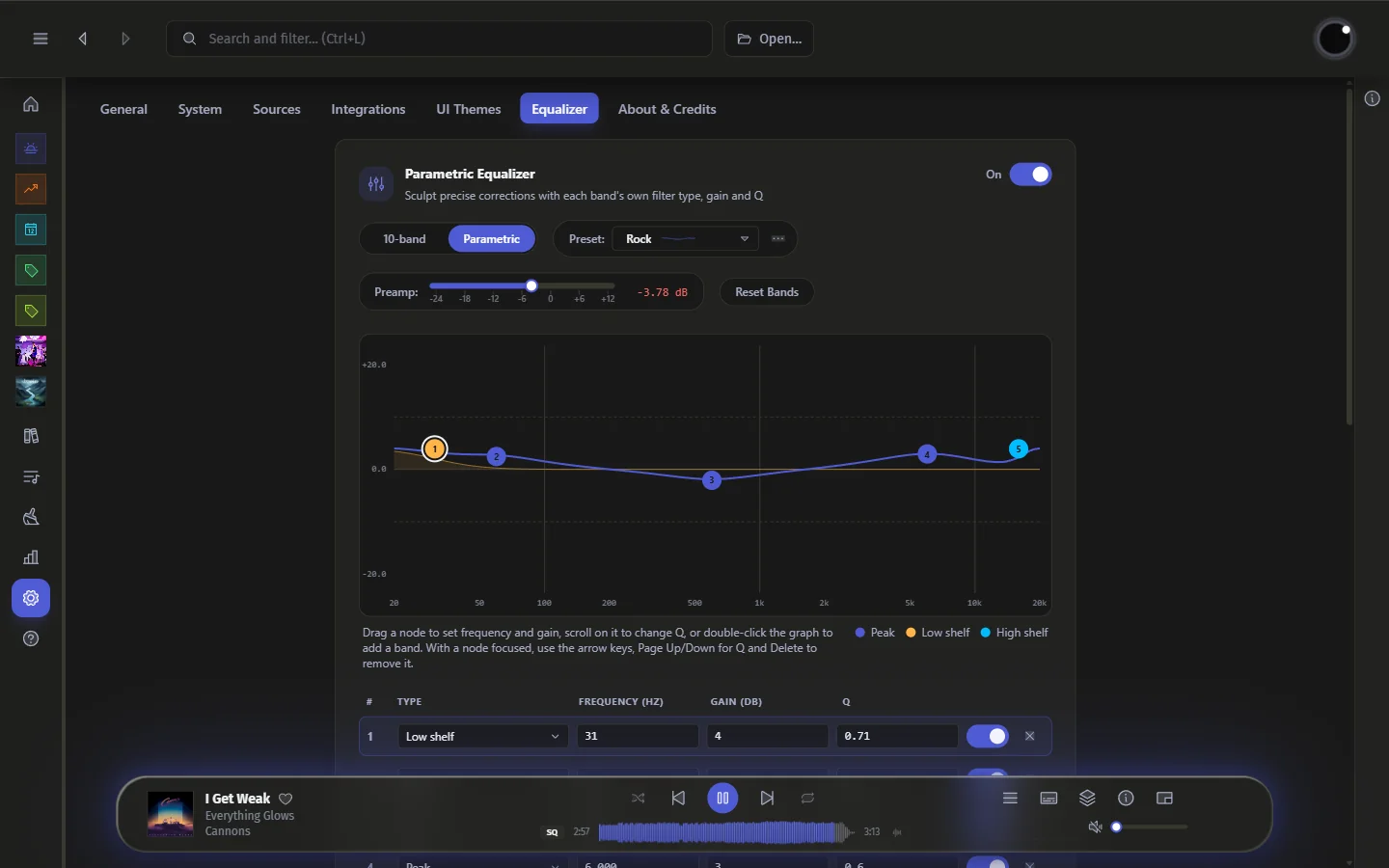
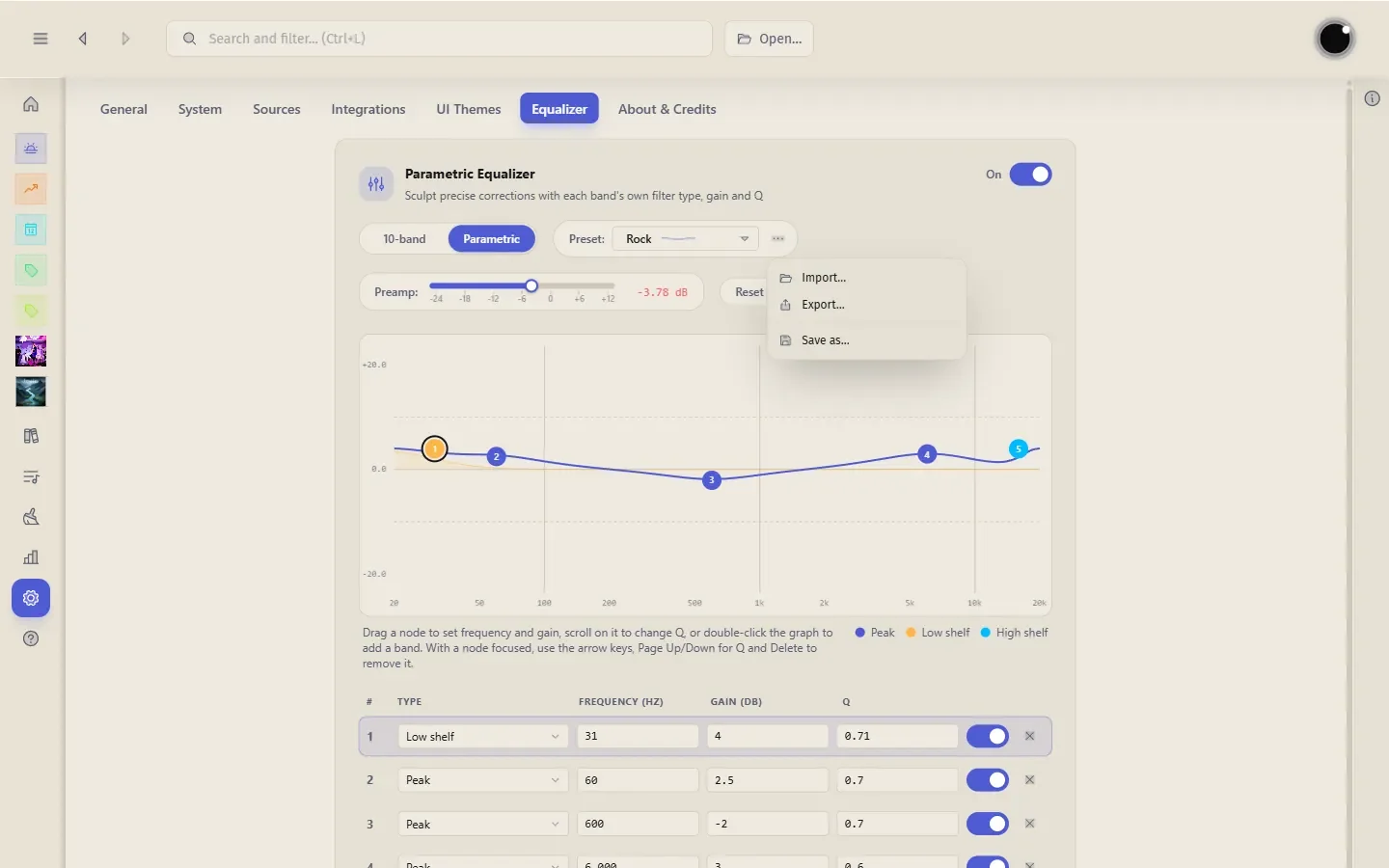
Drag the bands right on the graph, type in exact numbers, or load a ready-made AutoEq profile for your headphones. There are up to 20 bands if you like to tinker.
Pick a theme you like, or switch on the dynamic theme and Luminous borrows its colours from each album's cover art, so the whole player feels like part of the music.


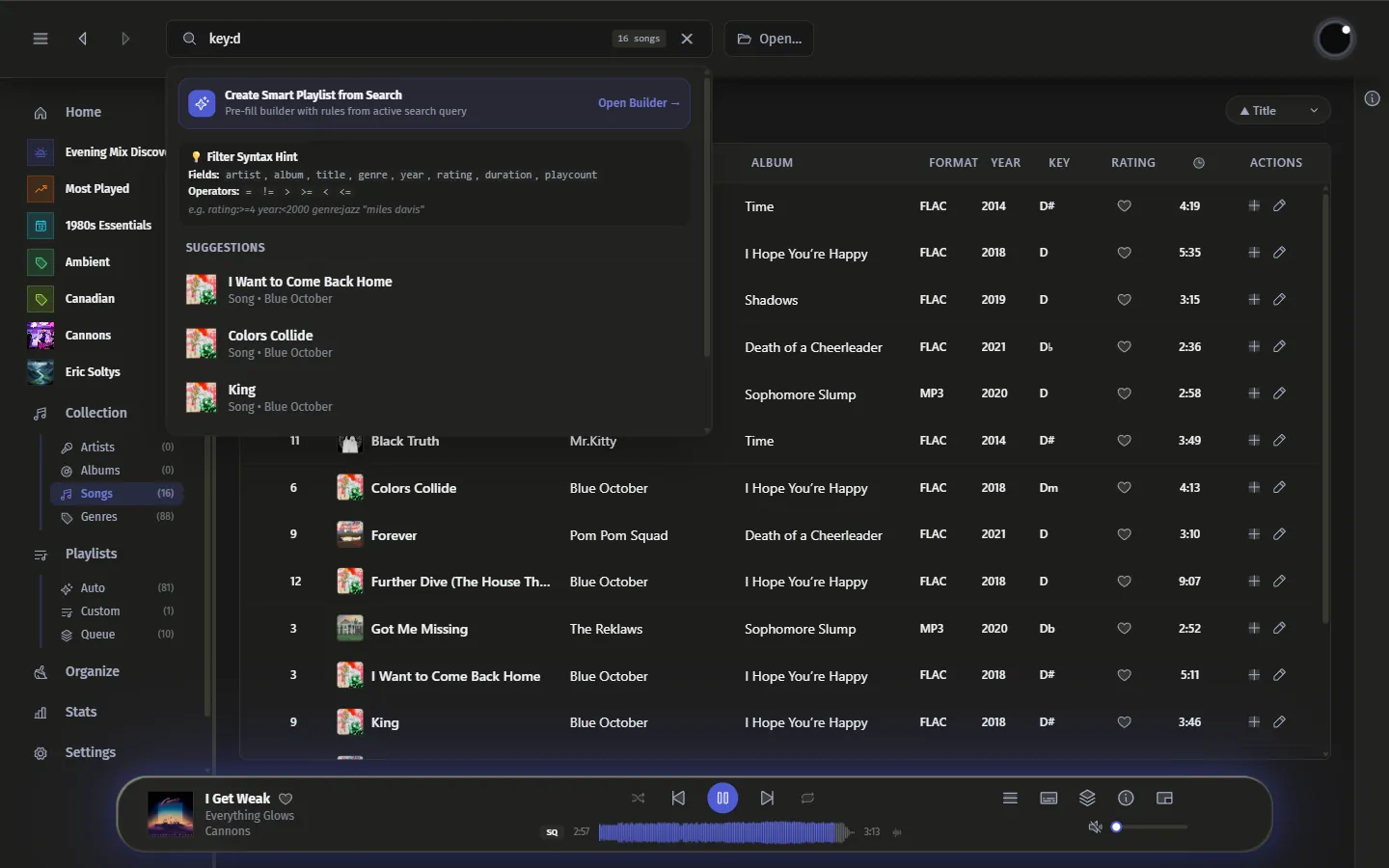
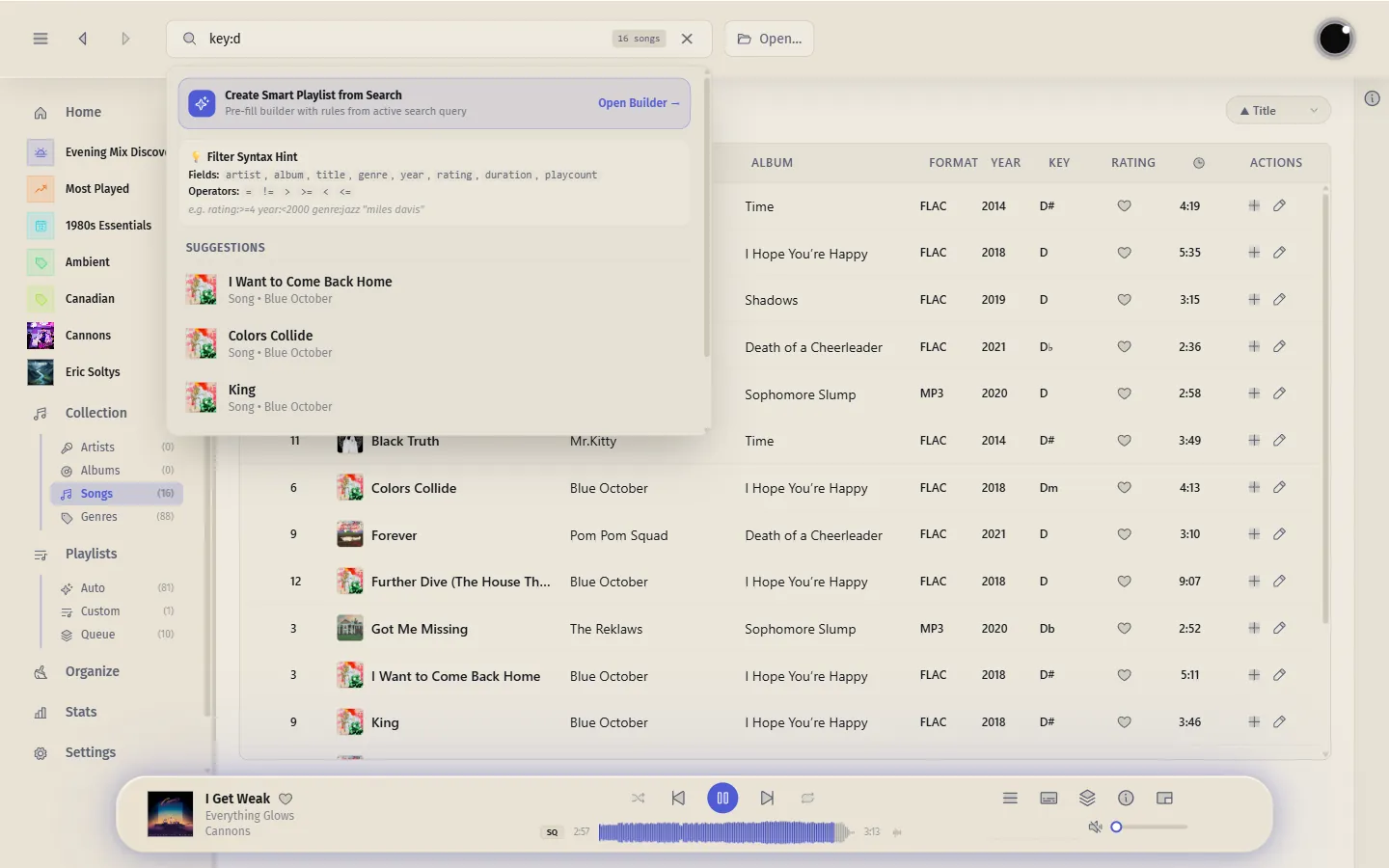
Type something like genre:rock to narrow your whole library in one line. It works with details like key and BPM too, and any search can become a smart playlist.
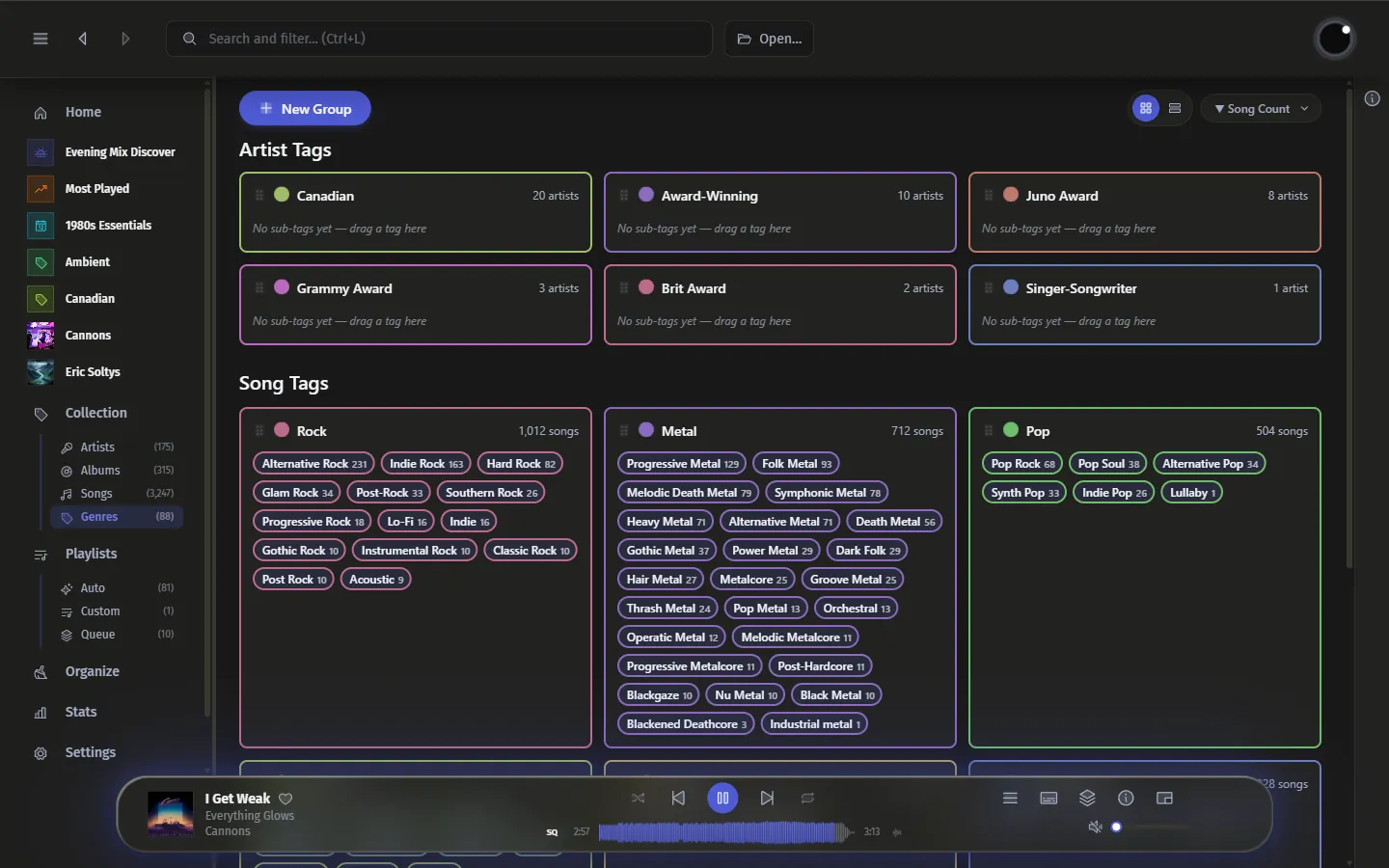
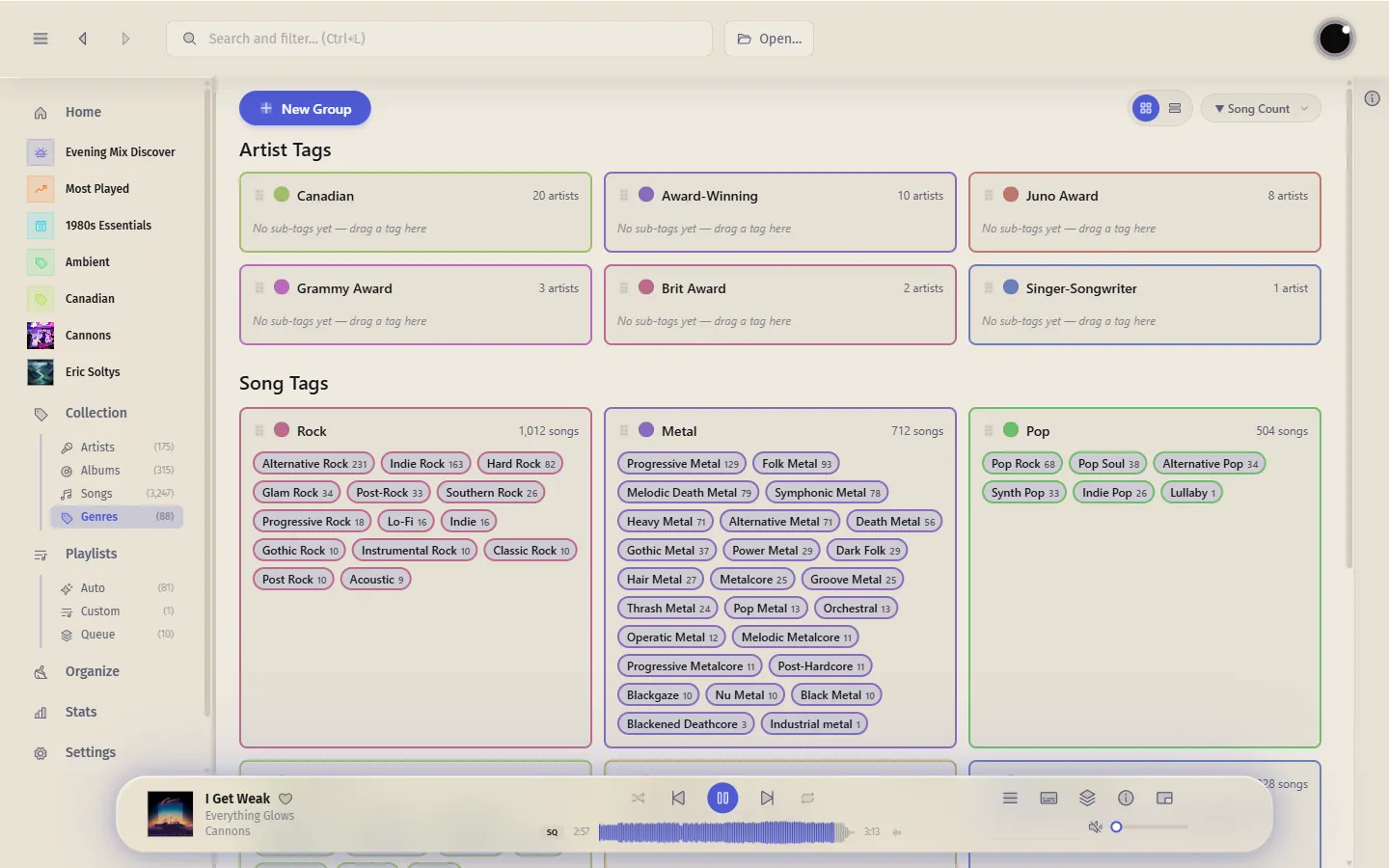
Drag tags between genre cards to build your own sub-genres, like Shoegaze under Alternative or Synthwave under Electronic.
Tap the heart on songs you love (right-click it for the ones you don't), and give them 1 to 5 stars separately. Sign in with MusicBrainz and your loves and ratings sync with ListenBrainz both ways.
Correct a title, artist, or album right from the track, with no extra tools. Edit one song at a time or many at once, or hand it to MusicBrainz Picard to look things up for you.
Pick a folder naming template and Luminous files your music to match. Turn on auto-organize and new songs and tag changes find their place as they arrive.
Download Luminous and turn your folder of files into a real music library.

Windows 10 & 11 — installs and updates automatically.
 Portable ZIP
No installer — keep Luminous and its data together, even on a USB drive.
 Linux
Linux — add the esoltys.dev repo once, then updates automatically.
 .deb package
Debian, Ubuntu, and derivatives. Updated via your package manager.
 .rpm package
Fedora, openSUSE, and derivatives. Updated via your package manager.
 AppImage
Runs on most distributions — download, make it executable, and play.
Luminous is free and open source. If it's become part of your daily listening, consider supporting development.