
Artists, filled in
Every artist page, written for you.
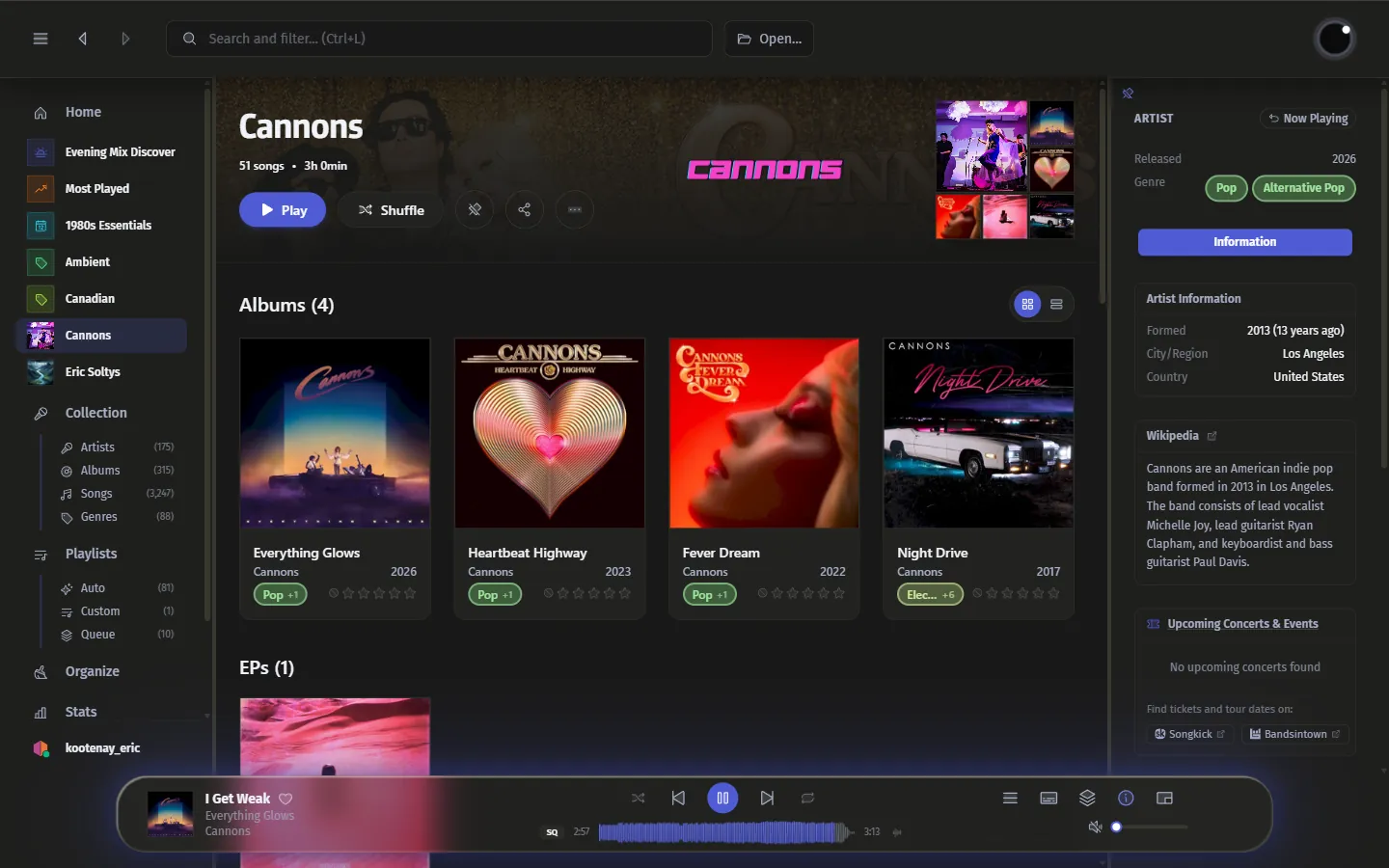
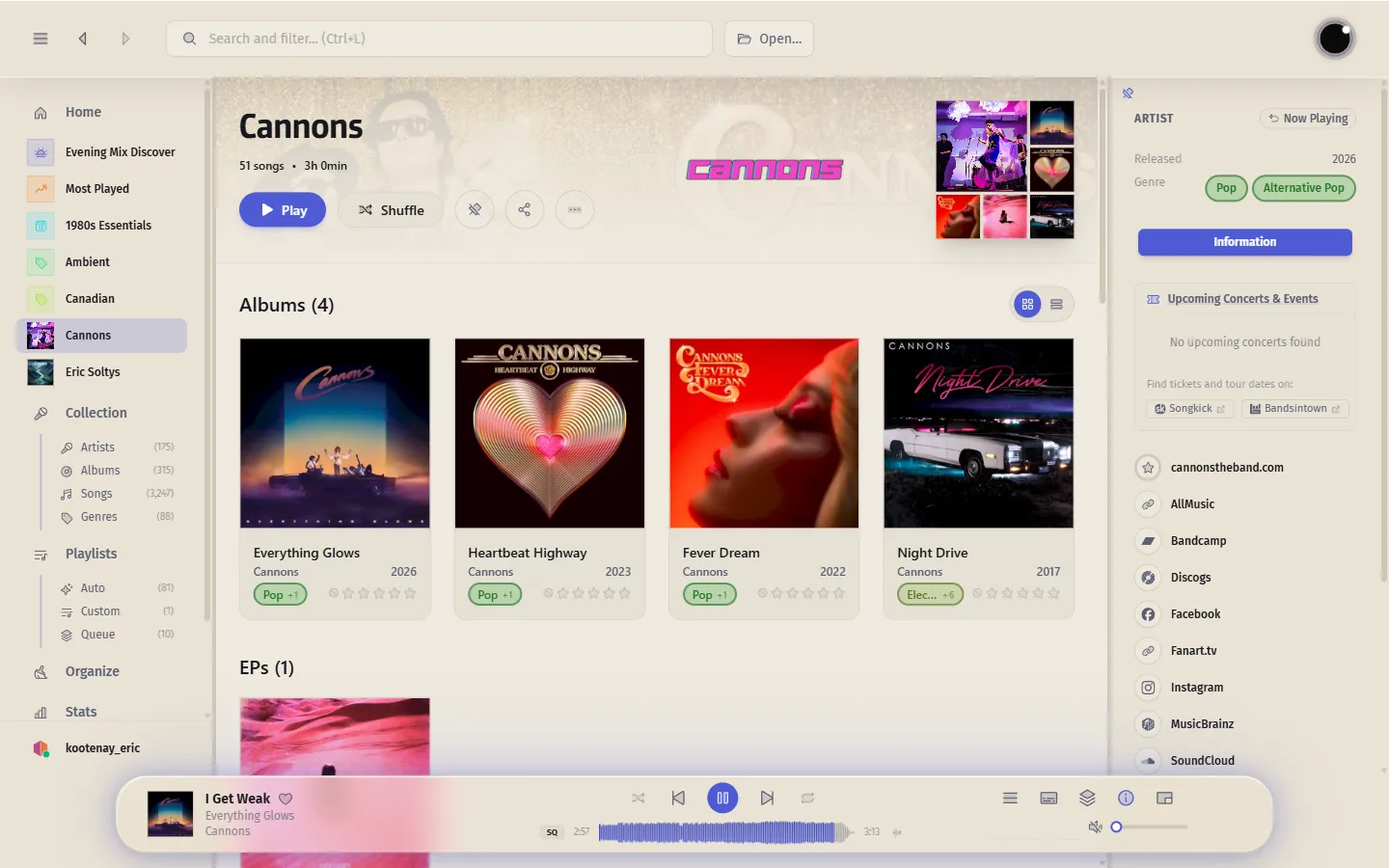
Artist pages fill in on their own from MusicBrainz and fanart.tv — logos, artwork, bio, and upcoming concerts — with the info sidebar one click away.
Version 3.2
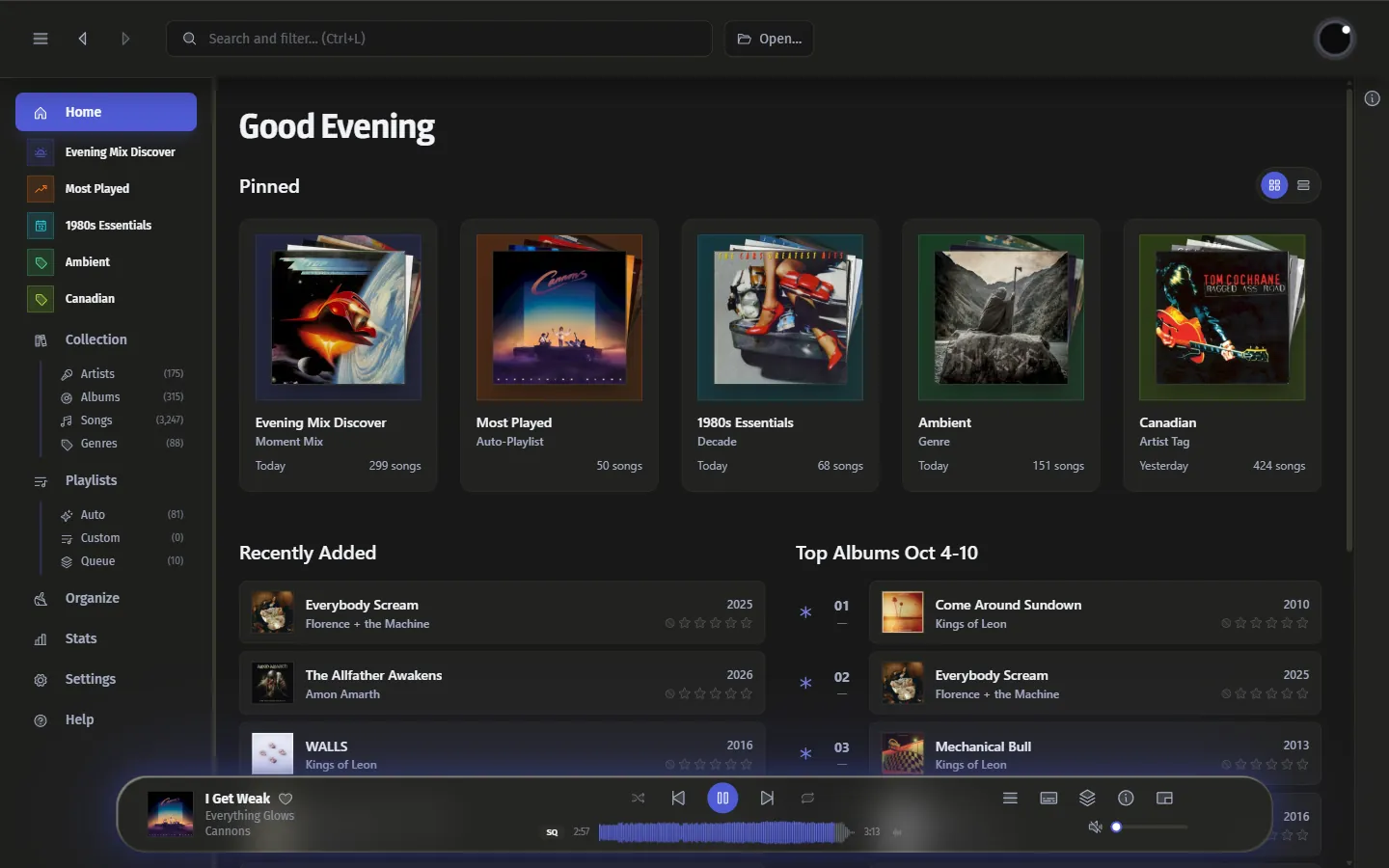
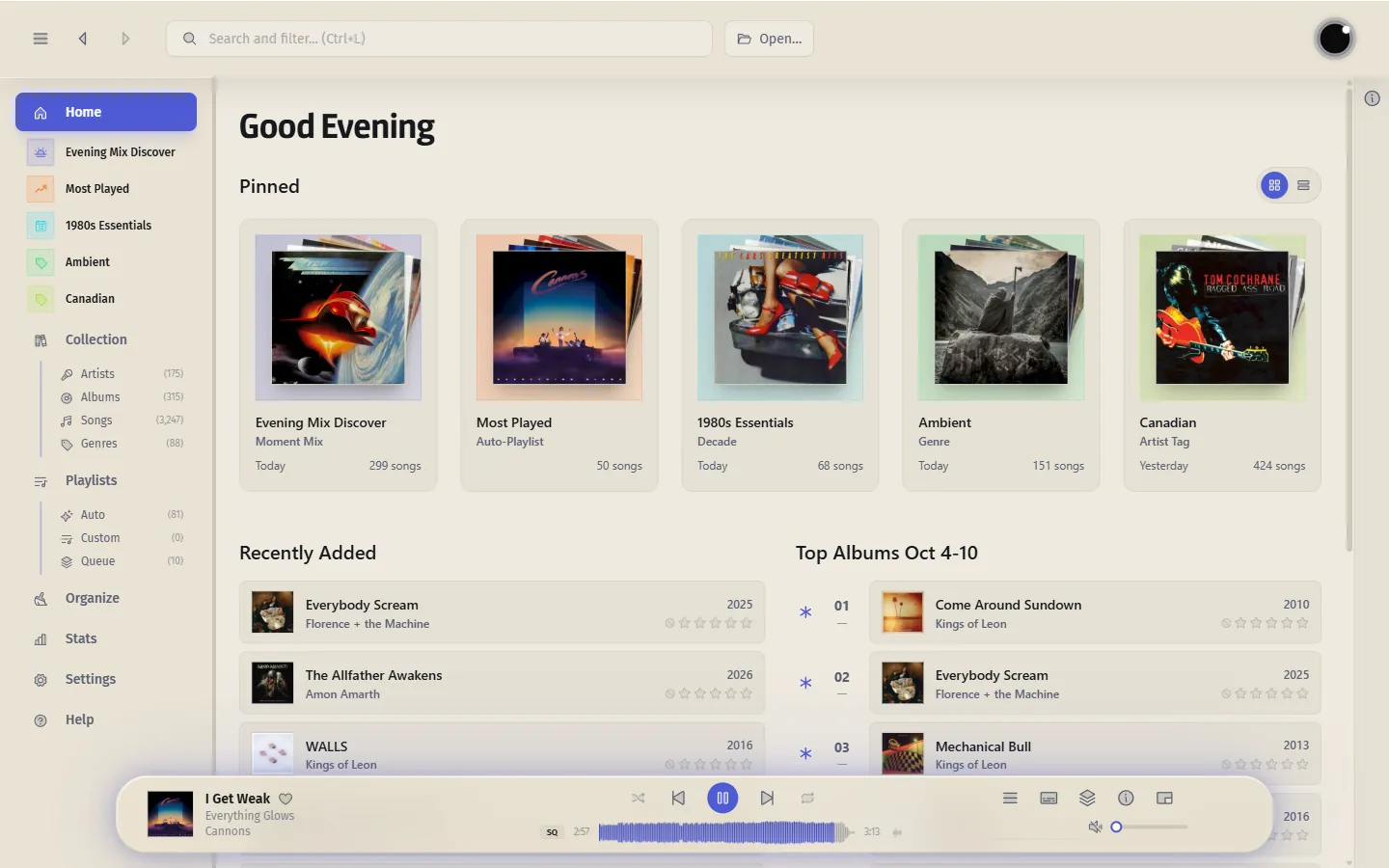
Luminous is a fast, local-first player for your own music — on your drive, a network share, or your own server.
Free and open source. Made in Canada 🍁 Available in seven languages.
Artists, filled in
Artist pages fill in on their own from MusicBrainz and fanart.tv — logos, artwork, bio, and upcoming concerts — with the info sidebar one click away.
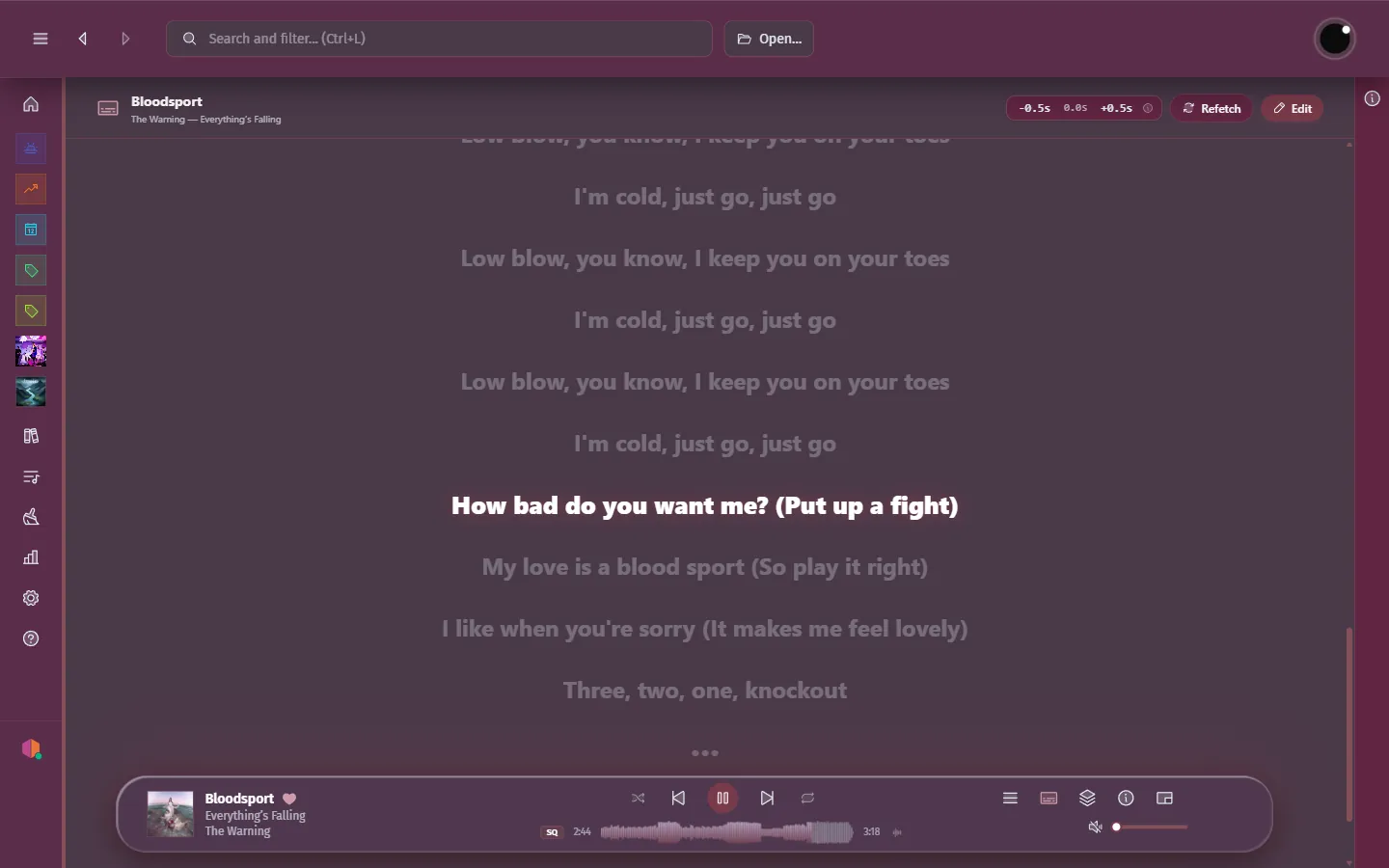
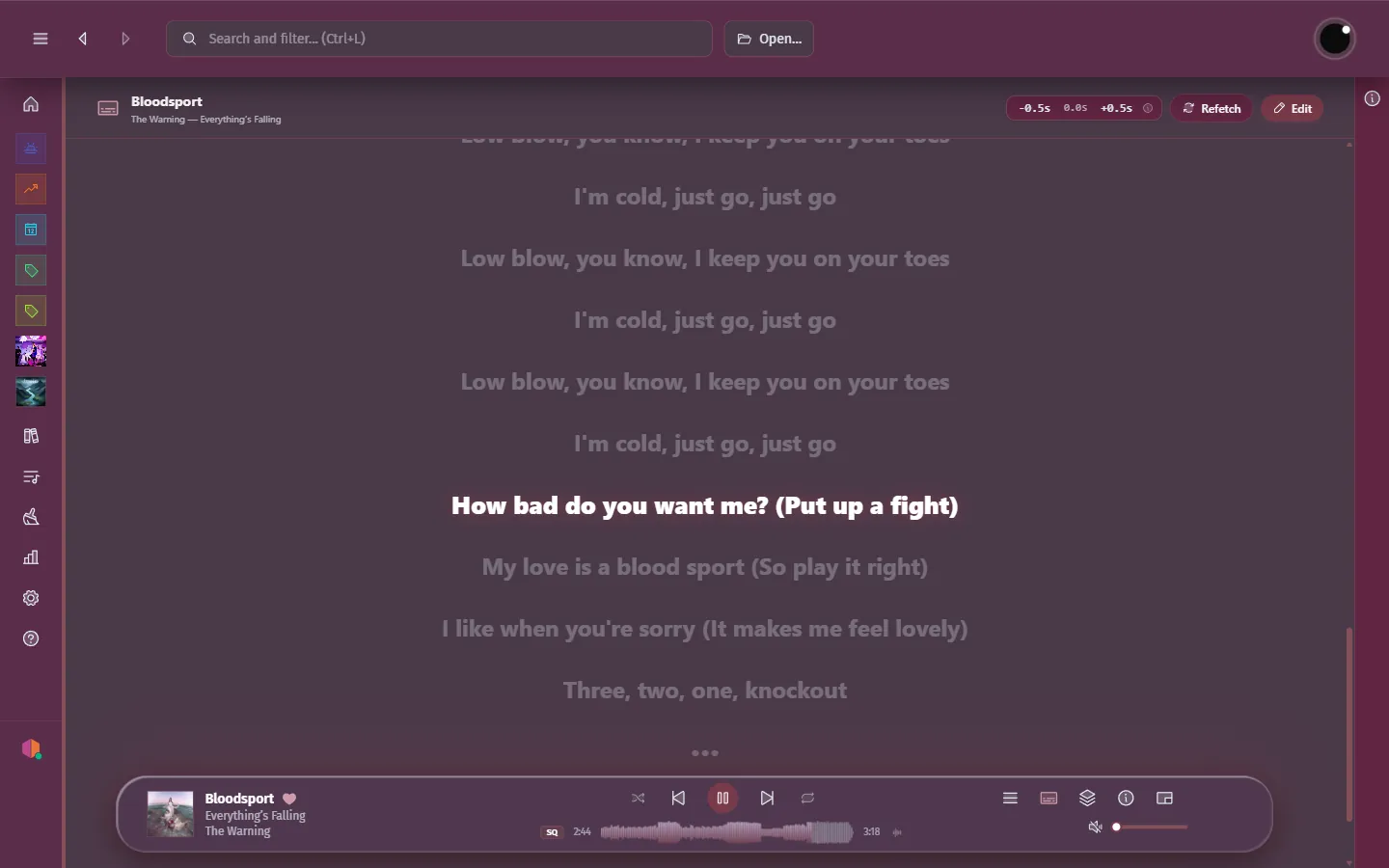
Lyrics, synced
Time-synced lyrics track the song in real time, with inline editing when the timing needs a touch-up. No lyrics found? Add and sync your own.
Stay in the flow
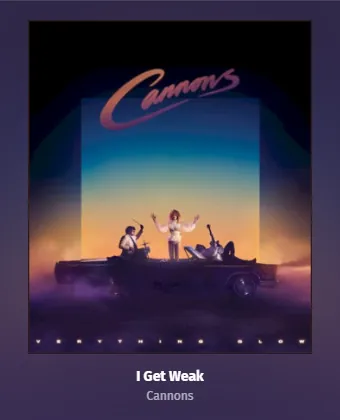
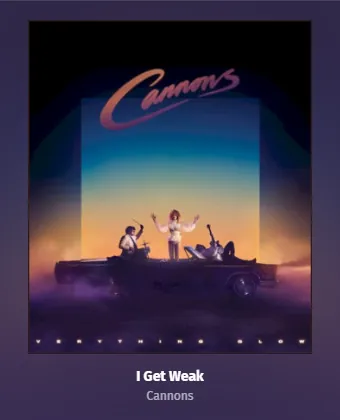
Shrink Luminous to a compact, always-on-top miniplayer with live lyrics and full playback controls — a fraction of the footprint.


Smarter playlists
Create smart playlists from your own rules, or drop into auto playlists already built around decades, genres, and BPM — always up to date as your library grows.
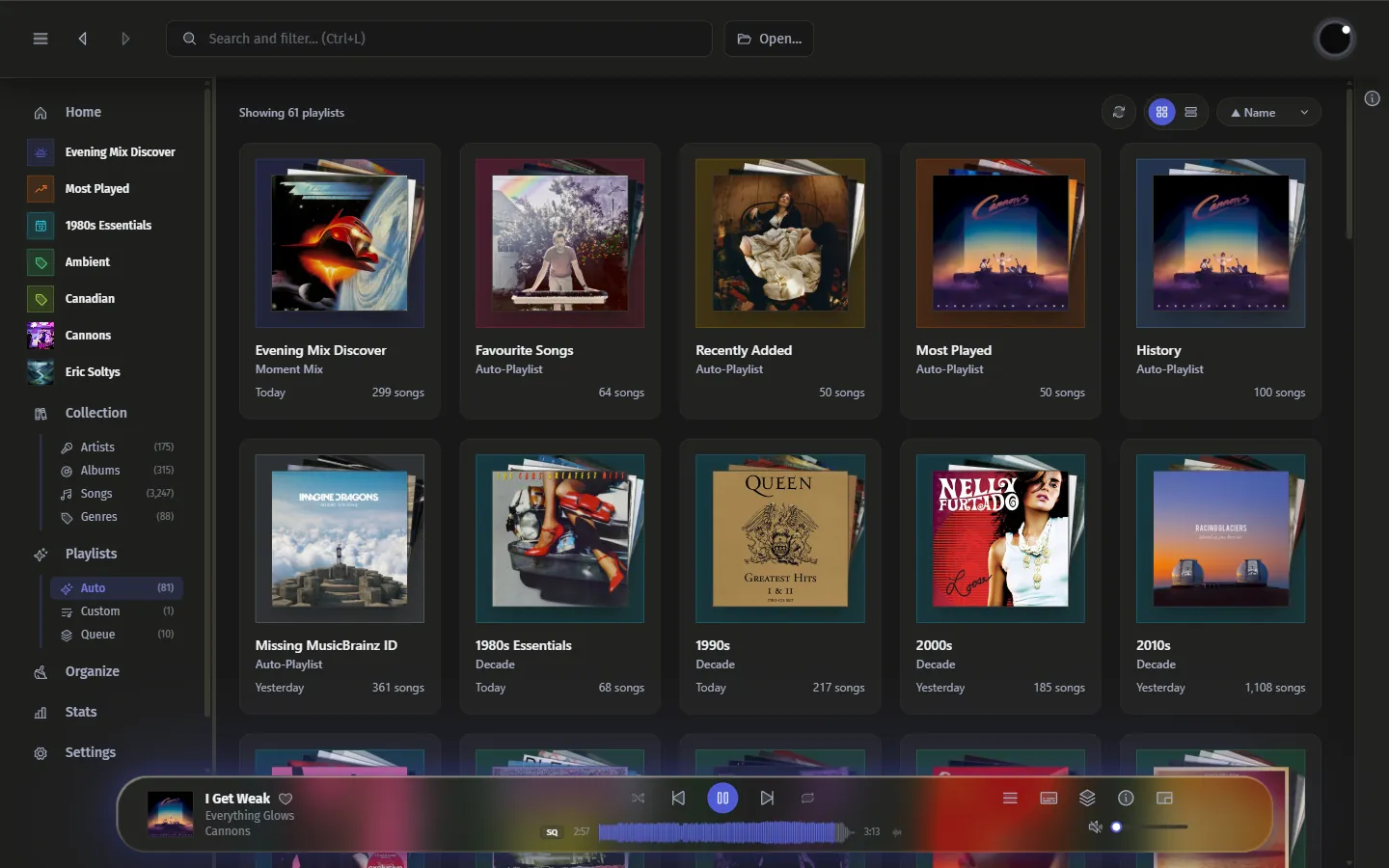
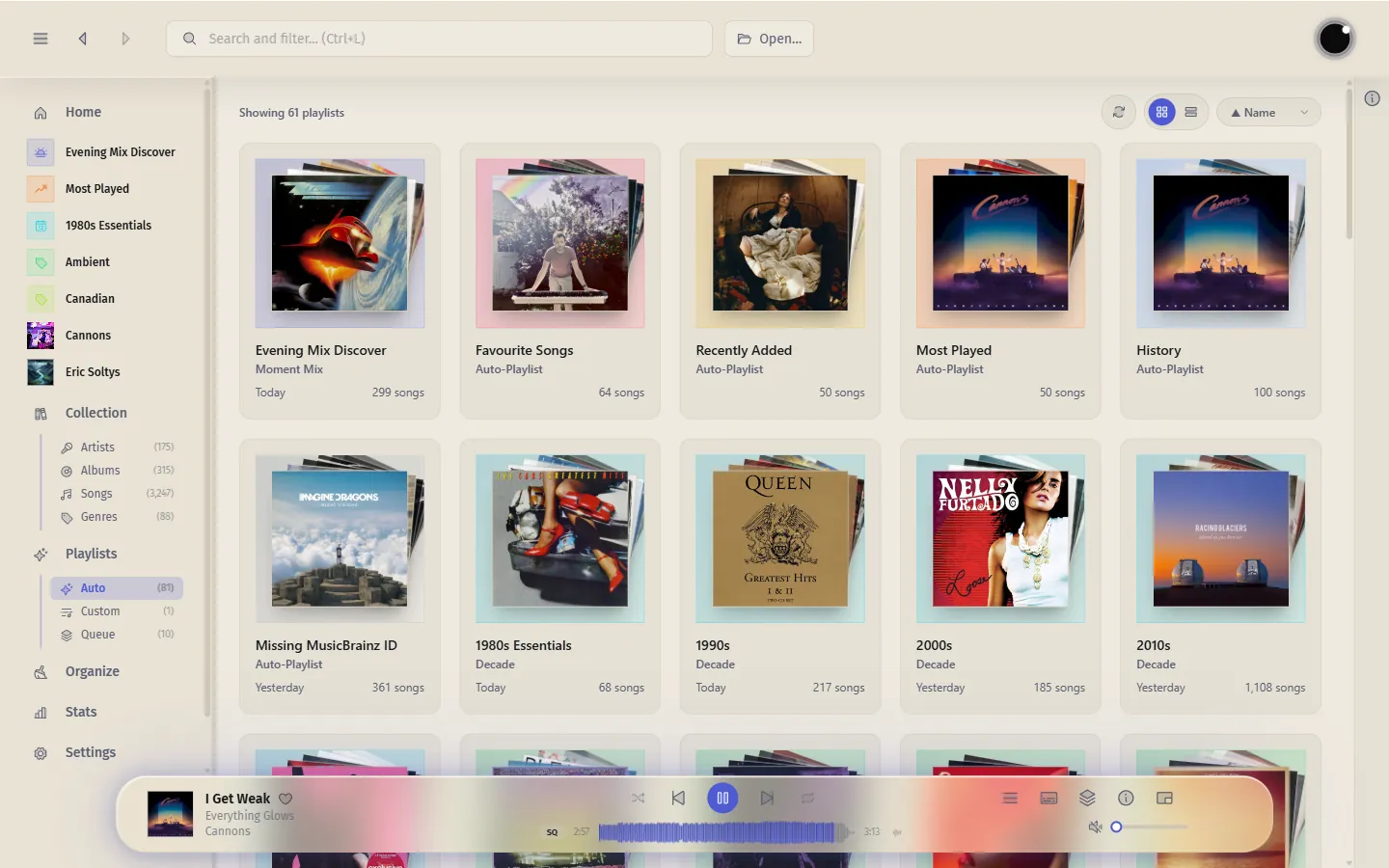
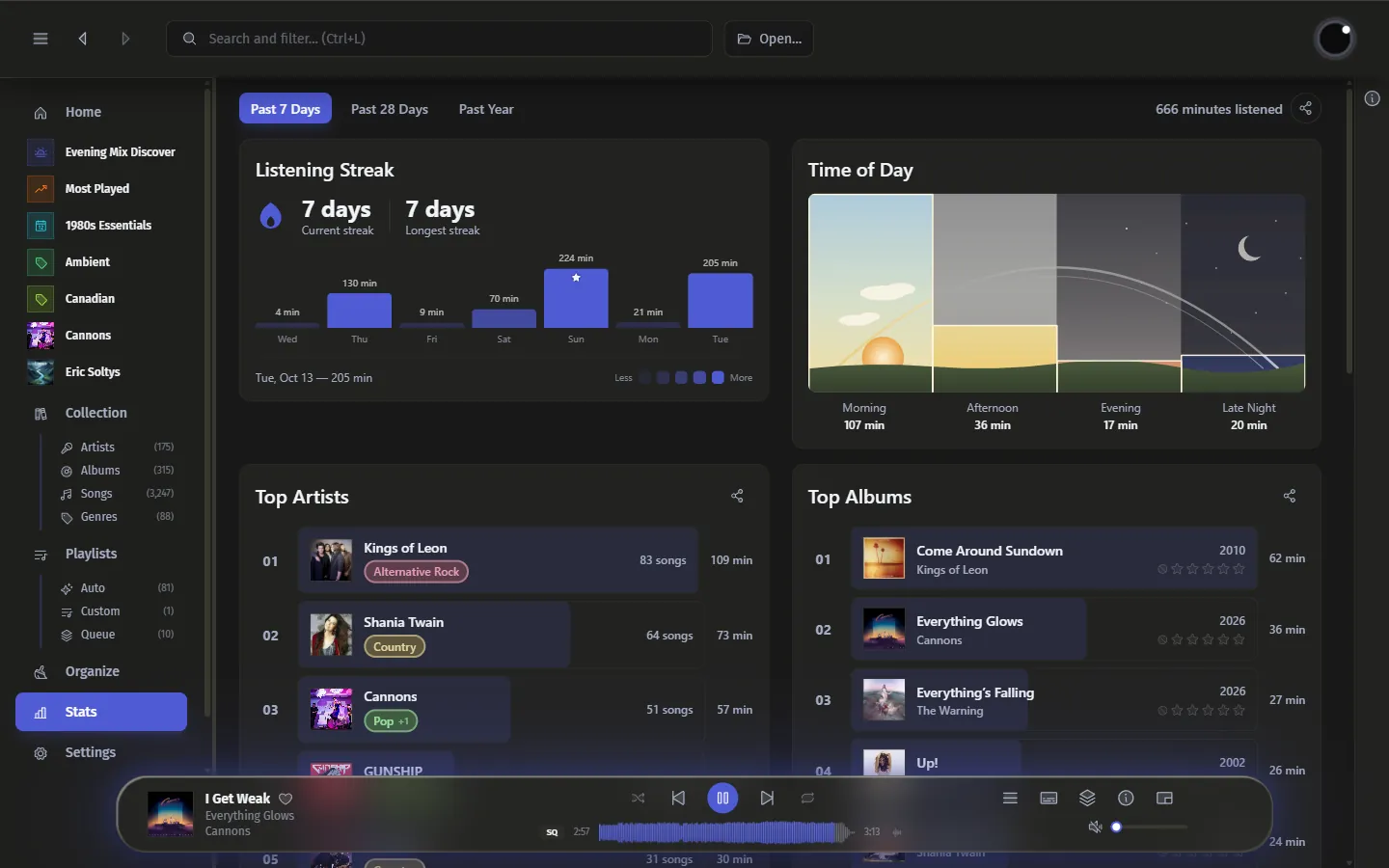
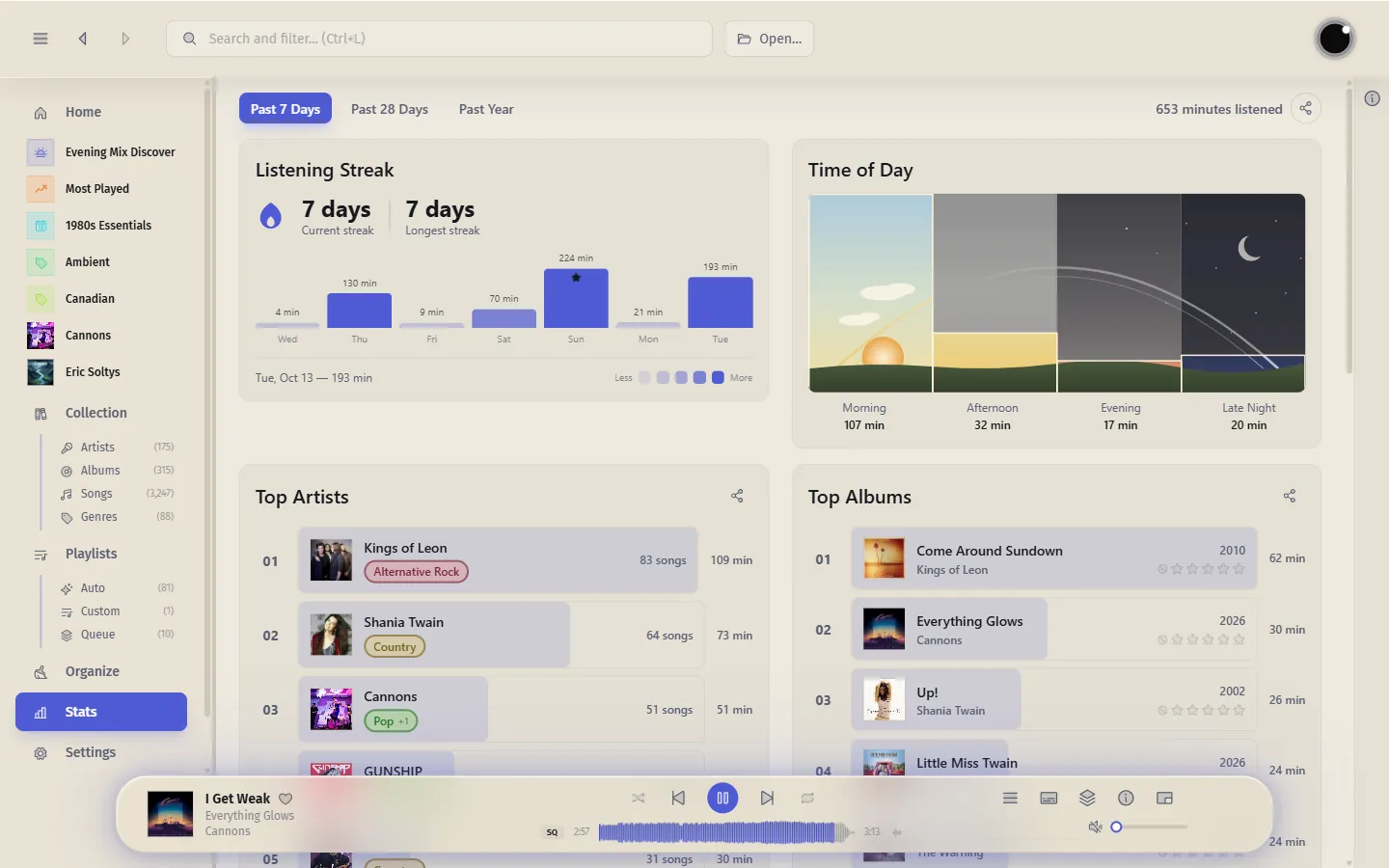
Know your habits
Track your listening streak, see when in the day you tune in most, and browse your top artists and albums over the past week, month, or year.
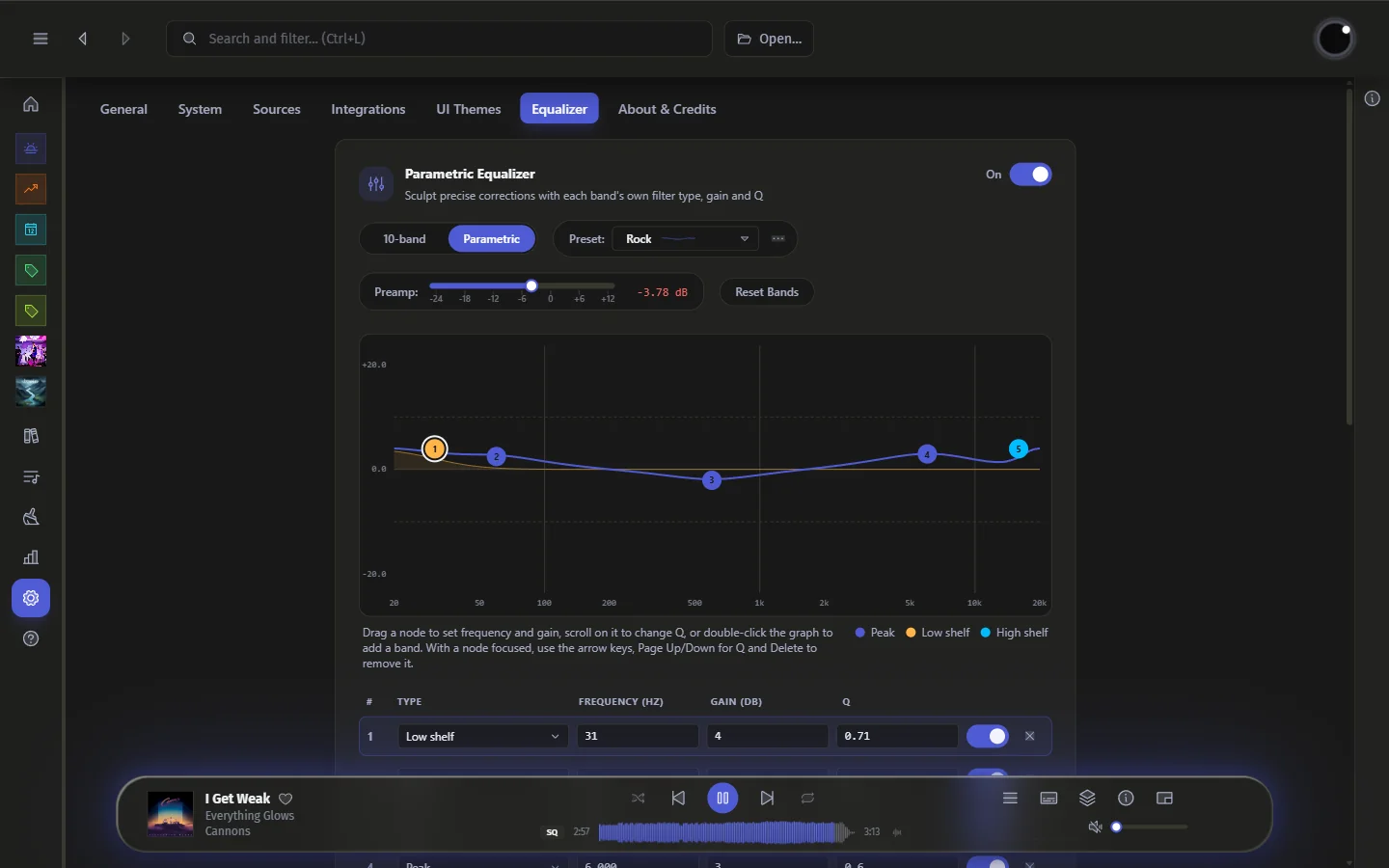
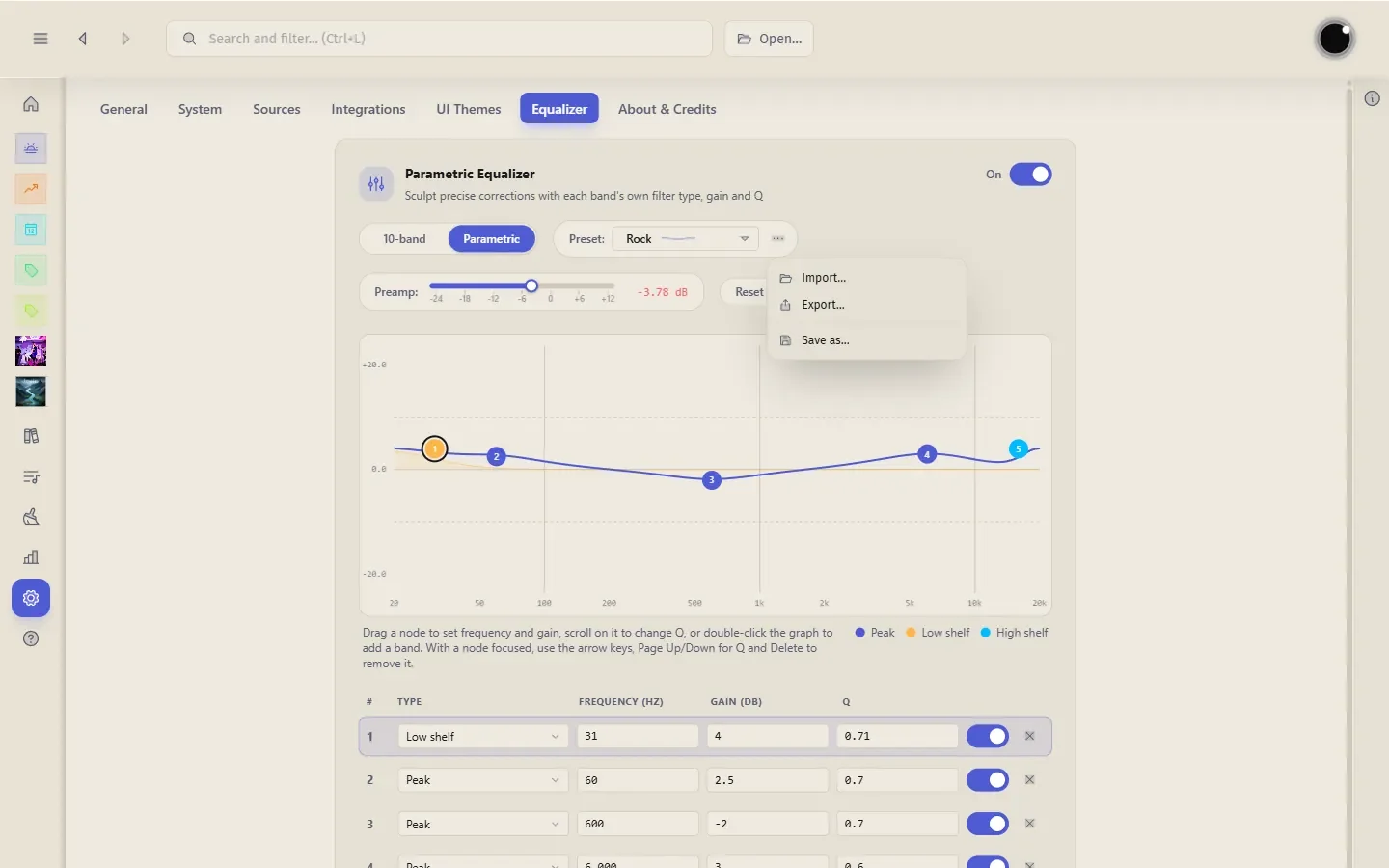
Shape your sound
Drag bands right on the response graph, type exact values, or import an AutoEq profile for your headphones — up to 20 bands of parametric EQ.
Make it yours
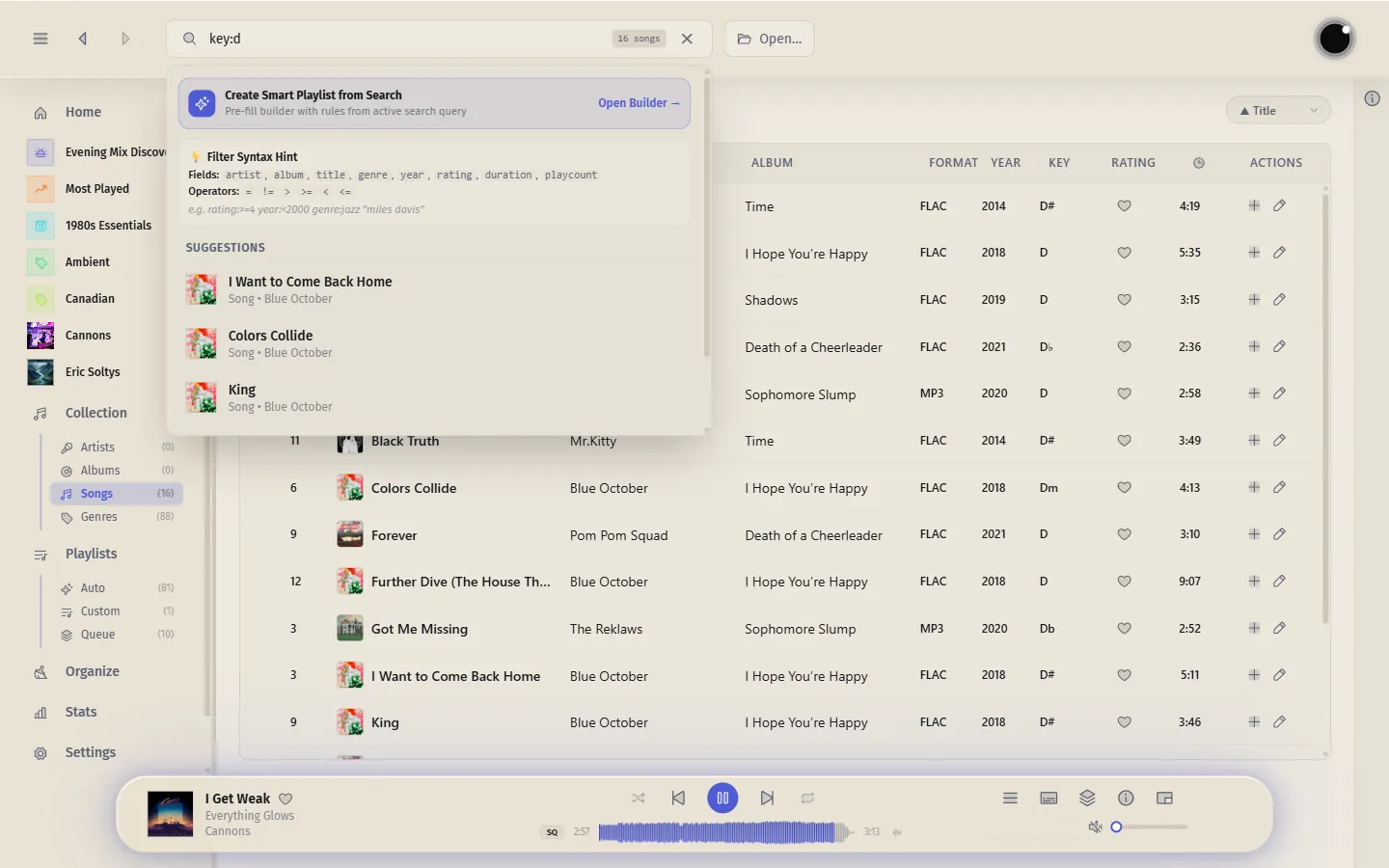
Choose from predefined themes, or turn on the dynamic theme and watch the whole interface repaint itself around every album's cover art — the look always matches the music.


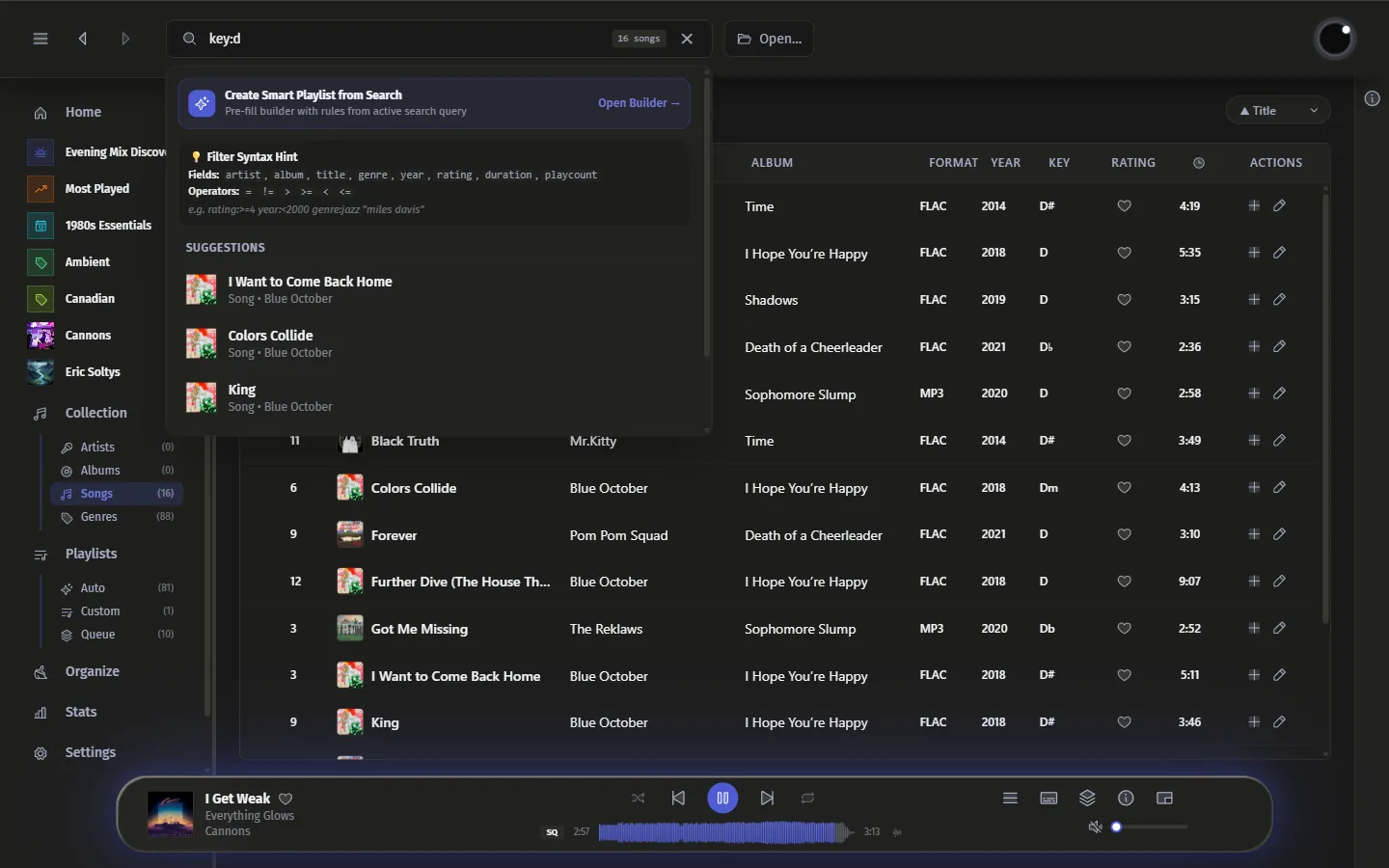
For power users
Type field:value terms — genre:rock — to filter your whole library in one line, right down to advanced tags like Initial Key and BPM, then turn any search into a smart playlist.
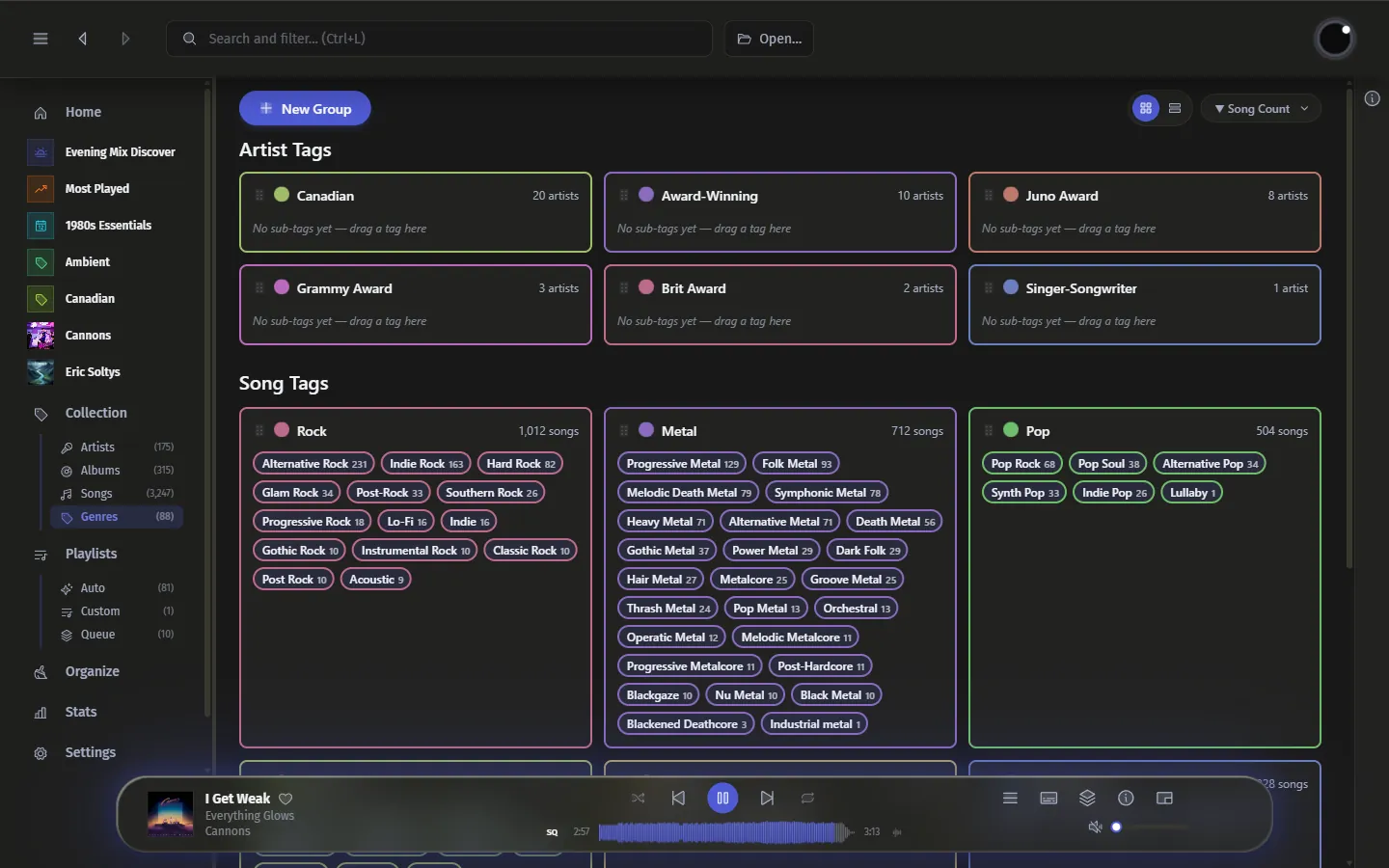
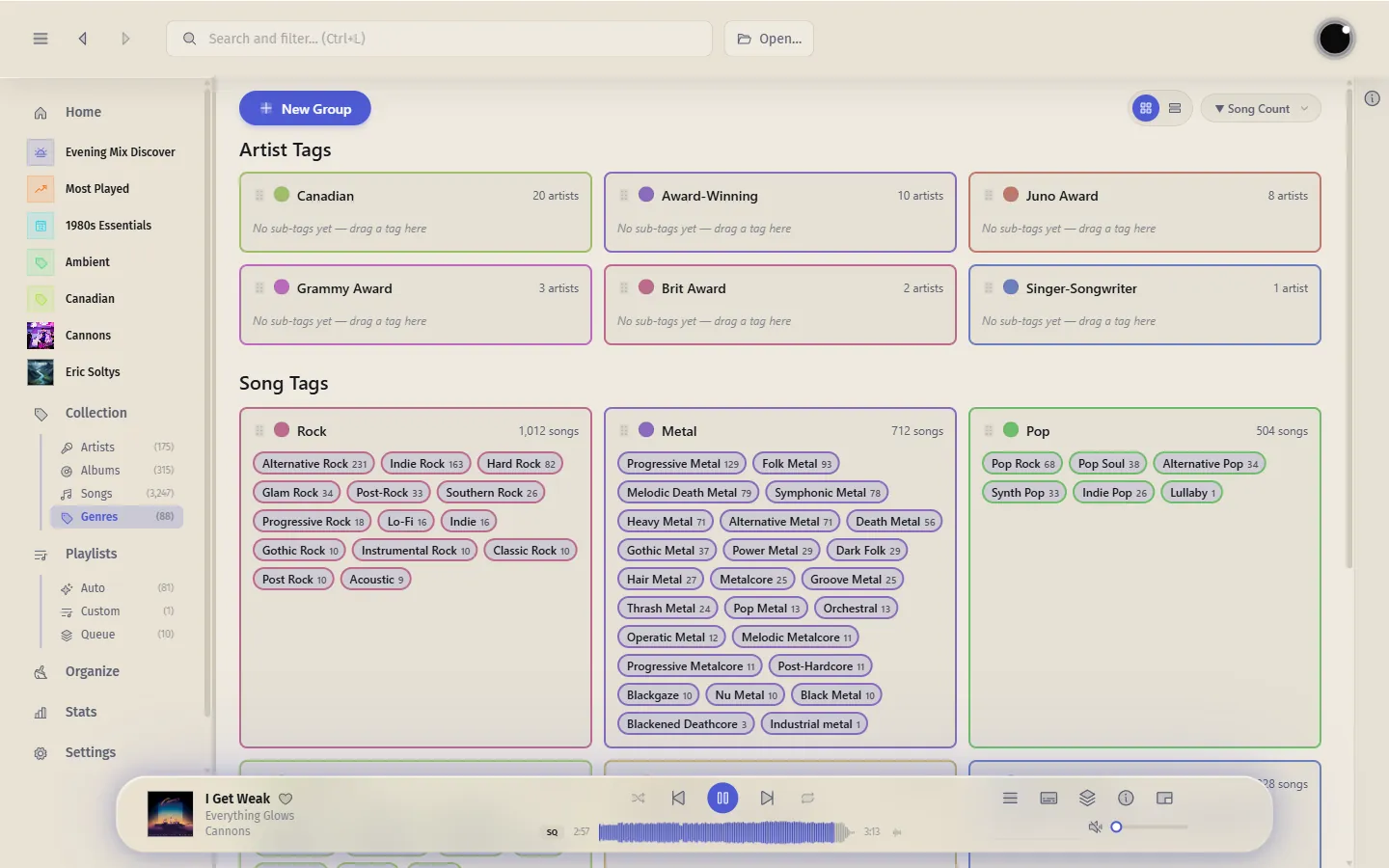
Genres, organized
Drag tags between genre cards to build your own sub-genre hierarchy, right down to Shoegaze under Alternative or Synthwave under Electronic.
Love and rate
Love a song, dislike it with a right-click on the heart, and give it 1 to 5 stars on its own. Sign in with MusicBrainz and your loves and ratings sync with ListenBrainz both ways.
Clean metadata
Fix a title, artist, or album straight from the track — no external tools needed. Edit tags one song at a time or in bulk, or hand it off to MusicBrainz Picard for automatic lookups, and keep your library consistent.
Tidy by default
Sort your library into folders with your own naming template. Turn on auto-organize and new music and tag changes are filed into place as they arrive — no tidying up afterwards.
Download Luminous and turn your folder of files into a real music library.

Windows 10 & 11 — installs and updates automatically.
 Portable ZIP
No installer — keep Luminous and its data together, even on a USB drive.
Portable ZIP
No installer — keep Luminous and its data together, even on a USB drive.
 Linux
Linux
Linux — add the esoltys.dev repo once, then updates automatically.
 .deb package
Debian, Ubuntu, and derivatives. Updated via your package manager.
.deb package
Debian, Ubuntu, and derivatives. Updated via your package manager.
 .rpm package
Fedora, openSUSE, and derivatives. Updated via your package manager.
.rpm package
Fedora, openSUSE, and derivatives. Updated via your package manager.
 AppImage
Runs on most distributions — download, make it executable, and play.
AppImage
Runs on most distributions — download, make it executable, and play.